![Projul Logo 345PX wide.png]](https://knowledge.projul.com/hs-fs/hubfs/Projul%20Logo%20345PX%20wide.png?height=40&name=Projul%20Logo%20345PX%20wide.png)
Copy a prompt below, swap in your bracketed details, and send it to your AI to add leads, build estimates or schedule jobs in Projul.
Say this
Add a new lead in Projul for [Diane Frazier] called [Northgate Plaza Suite 210 Tenant Improvement] at [4820 Northgate Blvd, Suite 210, Reno, NV 89502]. Likelihood of sale [55]%, estimator [Curtis Nash], project manager [Renata Cole].
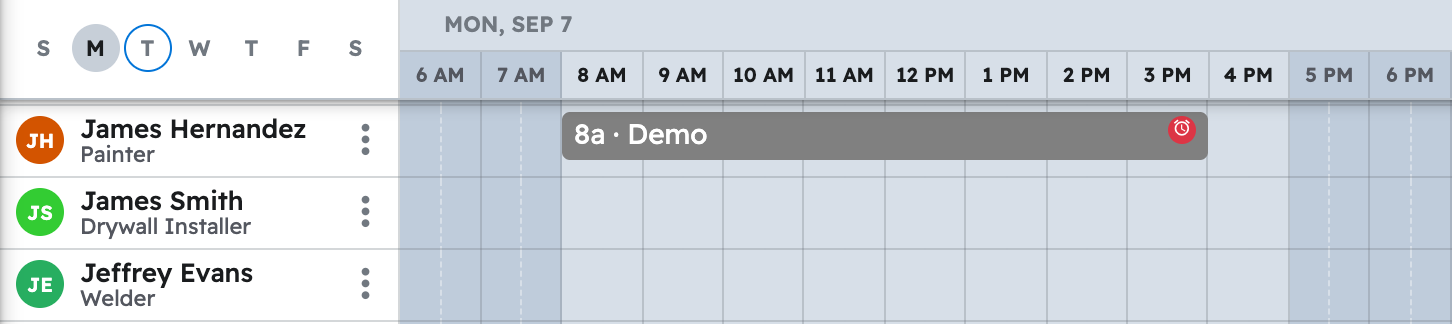
Lay out the schedule for [Northgate Plaza Suite 210 Tenant Improvement] in Projul starting [March 17]: [permit submittal, plan review deadline, landlord approval deadline, preconstruction meeting, mobilization, selective demolition, layout and in-wall framing, overhead rough-in, in-wall rough-in, above-ceiling inspection deadline, insulation and drywall hang, tape and finish, ceiling grid, prime paint, flooring and base, finish paint and ceiling tile, doors and hardware, casework, trim-out, fire alarm test, final clean, final inspection deadline, punch list, closeout]. [Give the dates and the crew for each.]
What happens
Your AI creates the lead or task once you approve. Each one appears in Projul: the lead on "Lead pipeline", the schedule on "Schedule" for everyone assigned.
Note: Publishing an estimate, sending it, invoicing the job, purchase orders, daily logs and time tracking are done in Projul, not by your AI. See Which Projul features are not available to my AI yet?
Watch it work
Short videos of Projul AI Connect doing this kind of job:
- Site visit notes to estimate (1:06)
- Voicemail to new lead (0:47)
- Shift the schedule for a delay (0:49)
New to Projul AI Connect? Watch the overview video (2:37): what it is, how to set it up, and an estimate built from site notes.
Questions? Let's Chat.
support@projul.com
(844) 776-5853