![Projul Logo 345PX wide.png]](https://knowledge.projul.com/hs-fs/hubfs/Projul%20Logo%20345PX%20wide.png?height=40&name=Projul%20Logo%20345PX%20wide.png)
Ask your AI to check the schedule, create tasks, or assign crews in Projul.
Say this
What is on the schedule in Projul this week?
Create a task on [Thompson Deck Rebuild] in Projul called [Tear out existing deck] for [next Wednesday] from [8 am to 4 pm], with [Grace Oakes] and [Priya Hutton] on it.
Change the bracketed job, task, dates, times and crew names, then paste. You can also ask your AI to move tasks, add checklists, mark steps done, set up repeating tasks, or add time off.
What happens
Your AI asks you to approve any change, then updates the schedule in Projul right away.
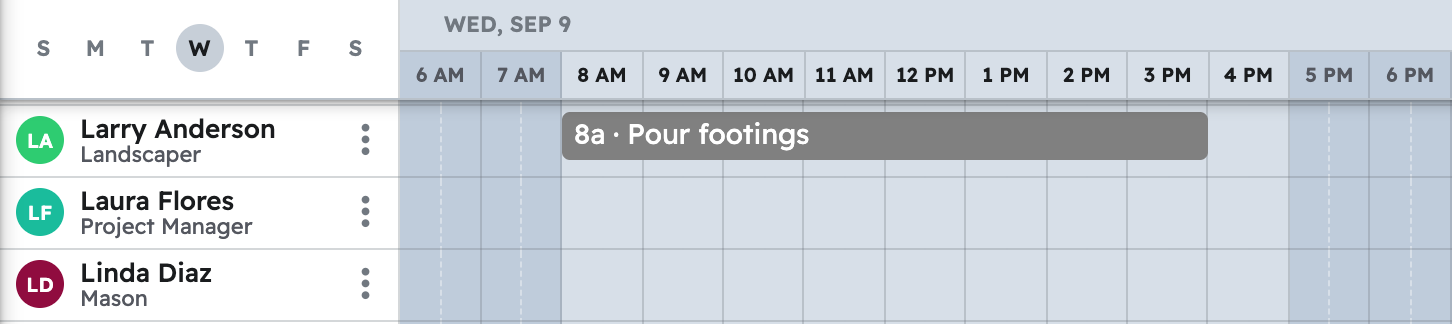
Note: A date range only matches a task by the day its scheduled window starts, so a job already under way before that range won't show up unless you ask for it by name.
Questions? Let's Chat.
support@projul.com
(844) 776-5853