![Projul Logo 345PX wide.png]](https://knowledge.projul.com/hs-fs/hubfs/Projul%20Logo%20345PX%20wide.png?height=40&name=Projul%20Logo%20345PX%20wide.png)
Your AI can write a message on a project, a client, a task, or an estimate for your team to see.
Say this
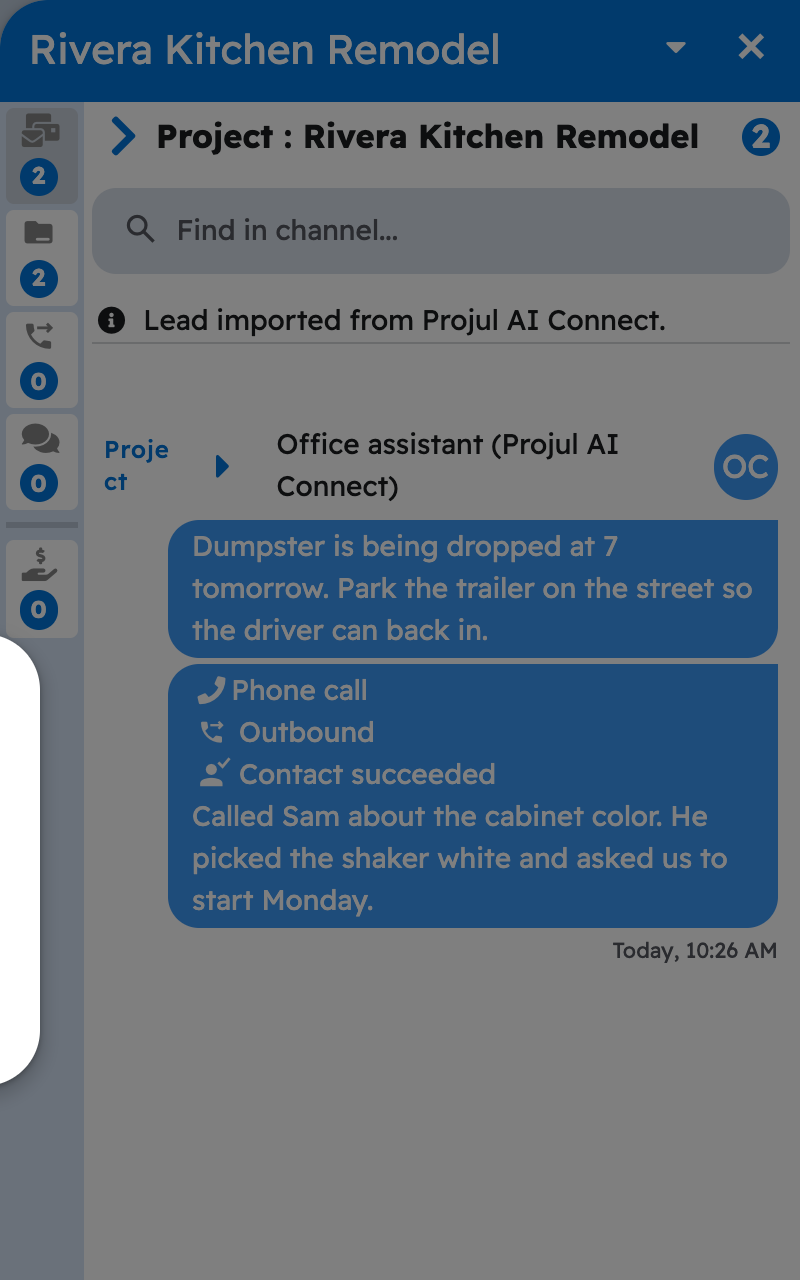
Add a message to the [Tear out existing deck] task in Projul: [dumpster is being dropped at 7, park the trailer on the street].
What happens
Your AI asks you to approve, then the message appears in Projul under the key's name followed by "(Projul AI Connect)". In Projul, open the three-dot menu and click "Open Messages" to see it. See Can my AI message a client directly?
Note: Messages are for your team; nothing your AI writes here is sent to the client.
Questions? Let's Chat.
support@projul.com
(844) 776-5853