![Projul Logo 345PX wide.png]](https://knowledge.projul.com/hs-fs/hubfs/Projul%20Logo%20345PX%20wide.png?height=40&name=Projul%20Logo%20345PX%20wide.png)
Your AI can attach a file that is already in a project's "Photos & files" to a task, an estimate or change order, a line item, or a note.
Say this
Attach the file called [thompson-plans] on [Thompson Deck Rebuild] in Projul to the [Tear out existing deck] task.
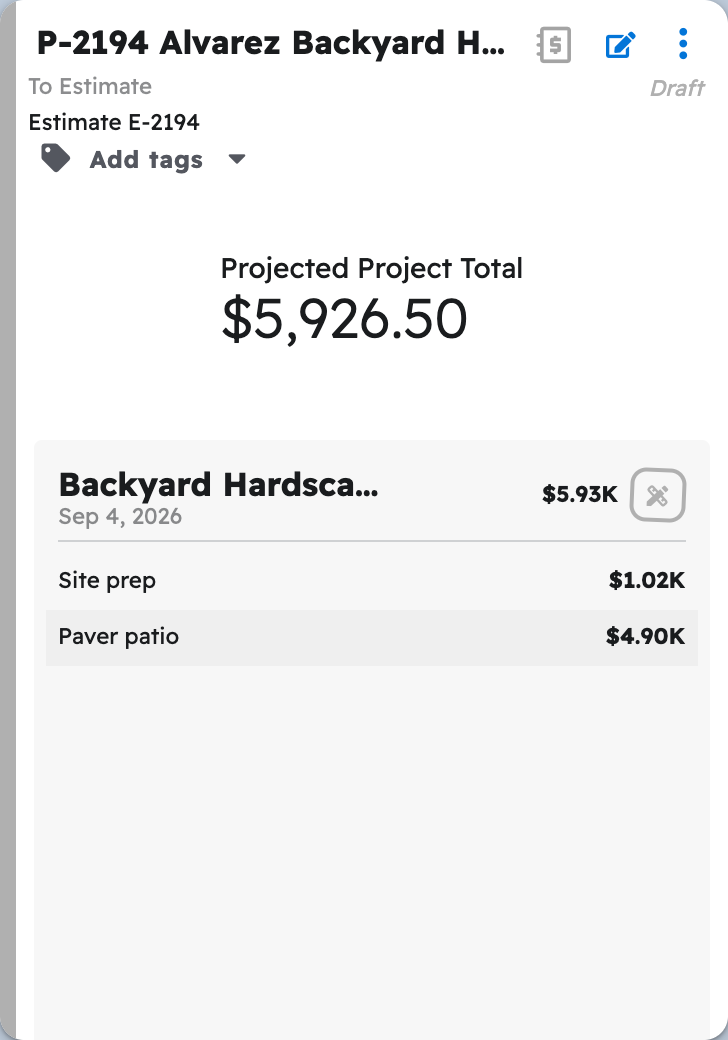
Put the photo [ledger-board] on the [Pressure-treated framing lumber and hardware] line of the [Thompson Deck Rebuild] estimate in Projul and show photos on that line.
What happens
Your AI asks you to approve, then the file shows up in its new place: on the task card under "See Photos" or "See Files," on the estimate's attachment count, or on the line item under "Photos."
Note: Task attachments work anytime. Estimate and line attachments only work while that version is a Draft, waiting for review, or sent back for revision.
See How do I have my AI upload a job-site photo or document?
Questions? Let's Chat.
support@projul.com
(844) 776-5853