![Projul Logo 345PX wide.png]](https://knowledge.projul.com/hs-fs/hubfs/Projul%20Logo%20345PX%20wide.png?height=40&name=Projul%20Logo%20345PX%20wide.png)
Connect Claude Code to Projul with one terminal command using your API key.
Set it up
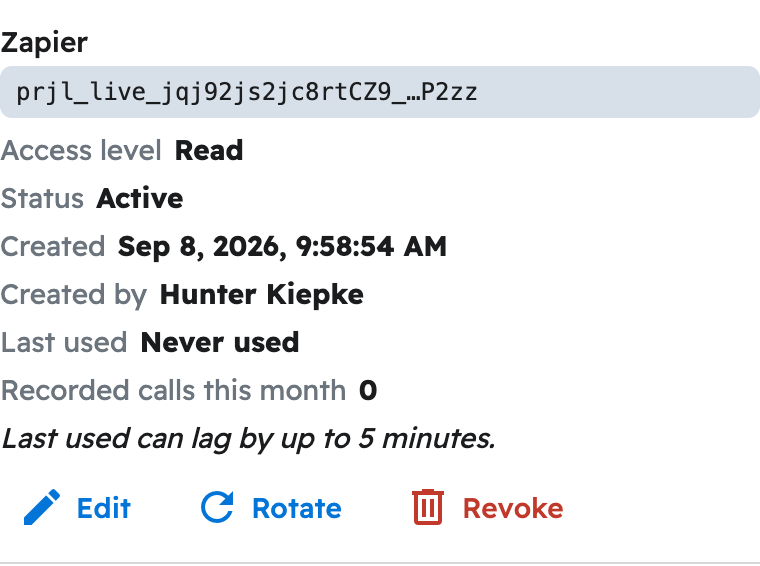
- Get an API key. See How do I get my Projul AI Connect API key?
- Open a terminal.
- Run the command below, with your own key in place of prjl_live_YOURKEYHERE.
claude mcp add --transport http --scope user projul https://connect.projul.com/mcp --header "Authorization: Bearer prjl_live_YOURKEYHERE"
"--scope user" makes Projul available in every folder. Never share this command with the key still in it.
Run claude mcp list anytime to confirm it's connected, or type /mcp inside a session. If it fails, remove it with claude mcp remove --scope user projul and add it again with a fresh key.
What happens
Ask in plain English, such as "Tell me about the Thompson Deck Rebuild project in Projul." Claude Code picks the Projul tools it needs and, depending on the mode (Shift+Tab to switch), may ask you to approve each one first.
Note: Claude Code on the web (claude.ai/code) uses the connectors on your Claude account instead of this command; add Projul there under "Customize" and "Connectors".
Questions? Let's Chat.
support@projul.com
(844) 776-5853