![Projul Logo 345PX wide.png]](https://knowledge.projul.com/hs-fs/hubfs/Projul%20Logo%20345PX%20wide.png?height=40&name=Projul%20Logo%20345PX%20wide.png)
In Claude, click "Customize", "Connectors", "Add", enter Projul's address, click "Connect", then paste your API key on the Projul page that opens.
Set it up
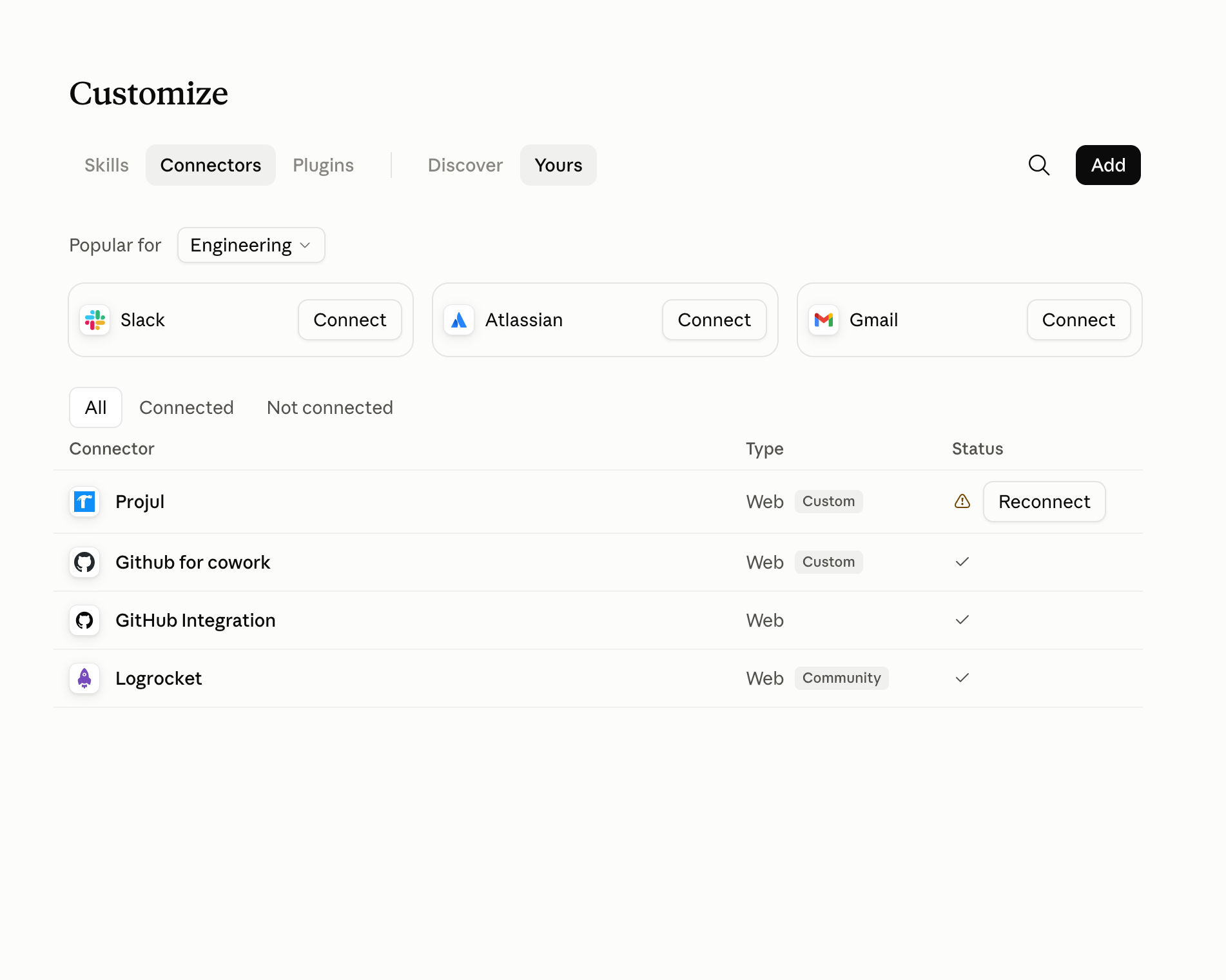
- Go to claude.ai, sign in, click "Customize", then "Connectors", then "Add".
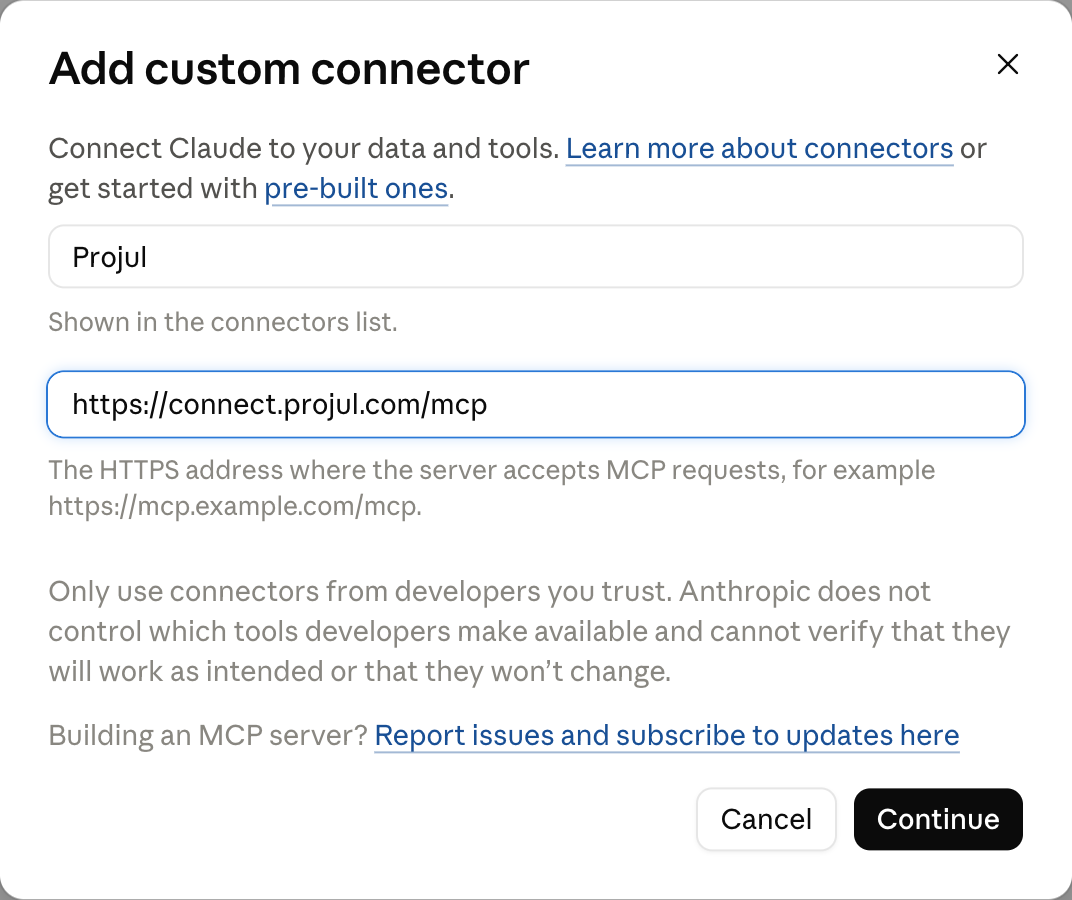
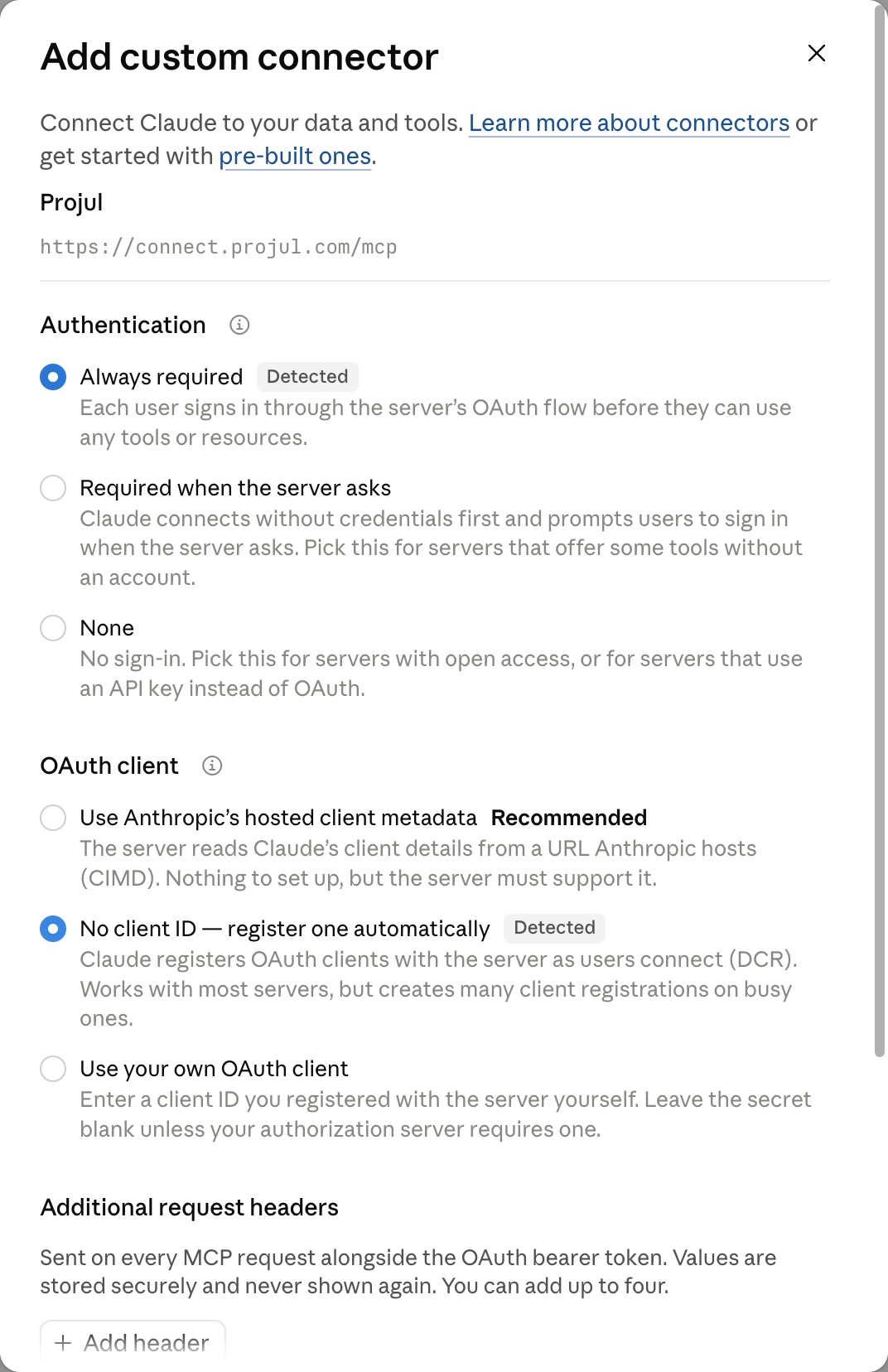
- Type Projul as the name and https://connect.projul.com/mcp as the address, then click "Continue".
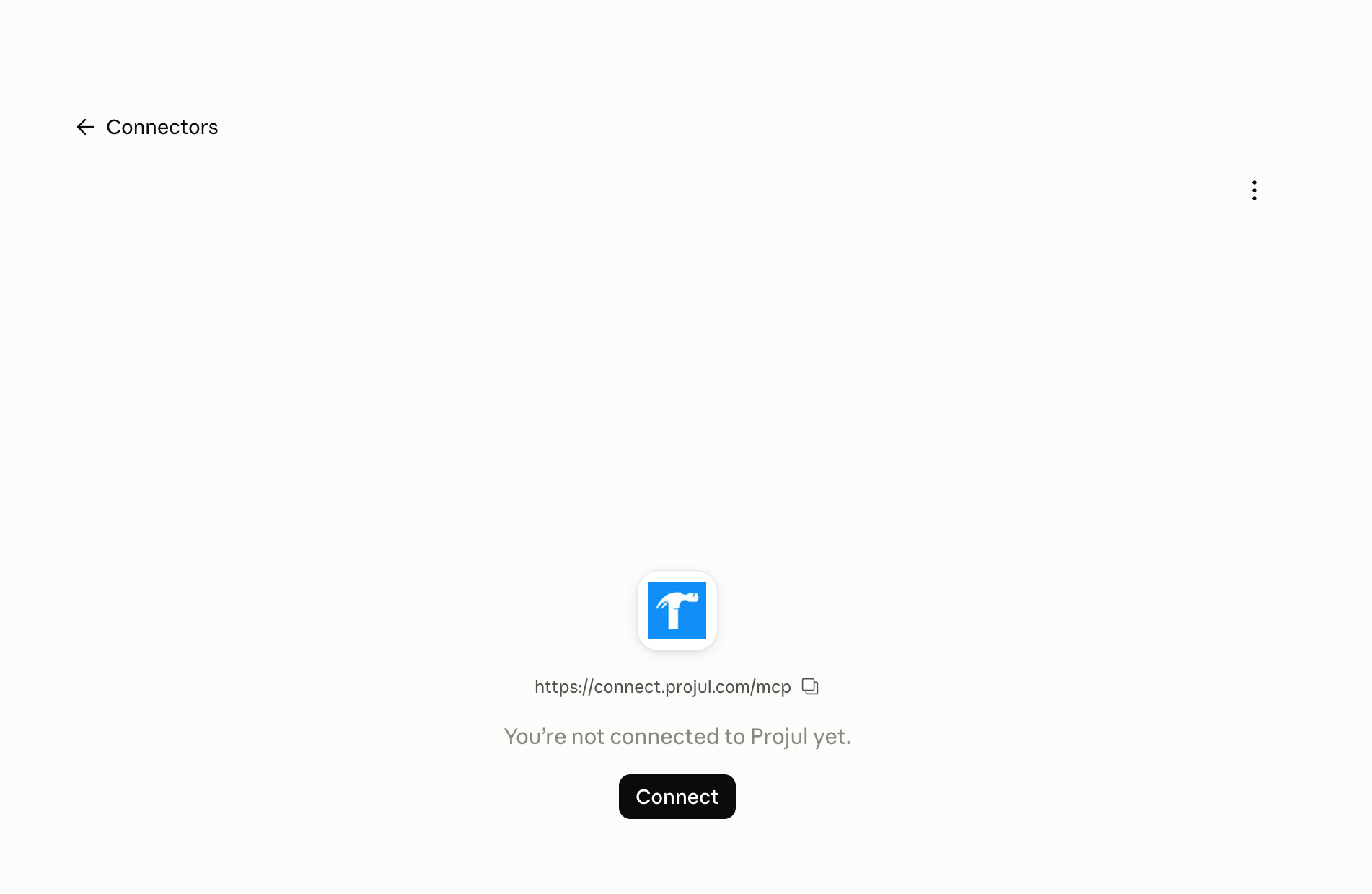
- Leave the authentication settings as Claude detects them, click "Add", then click "Connect" on the page that opens.
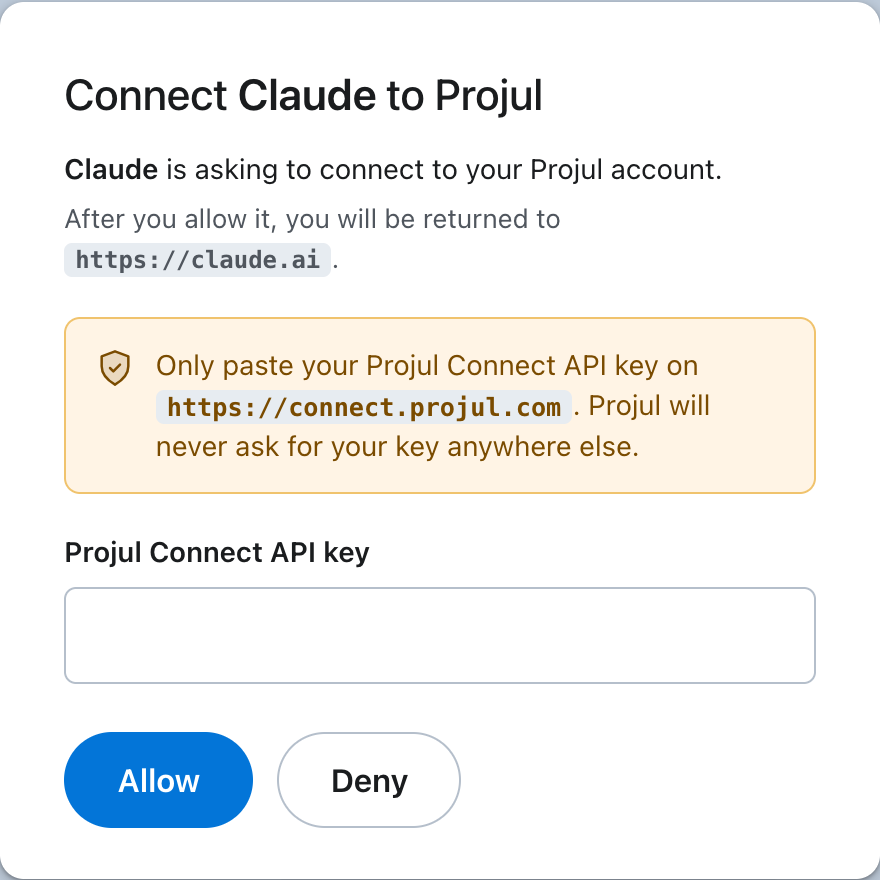
- A Projul page opens. Paste your key into the "Projul Connect API key" field and click "Allow".
What happens
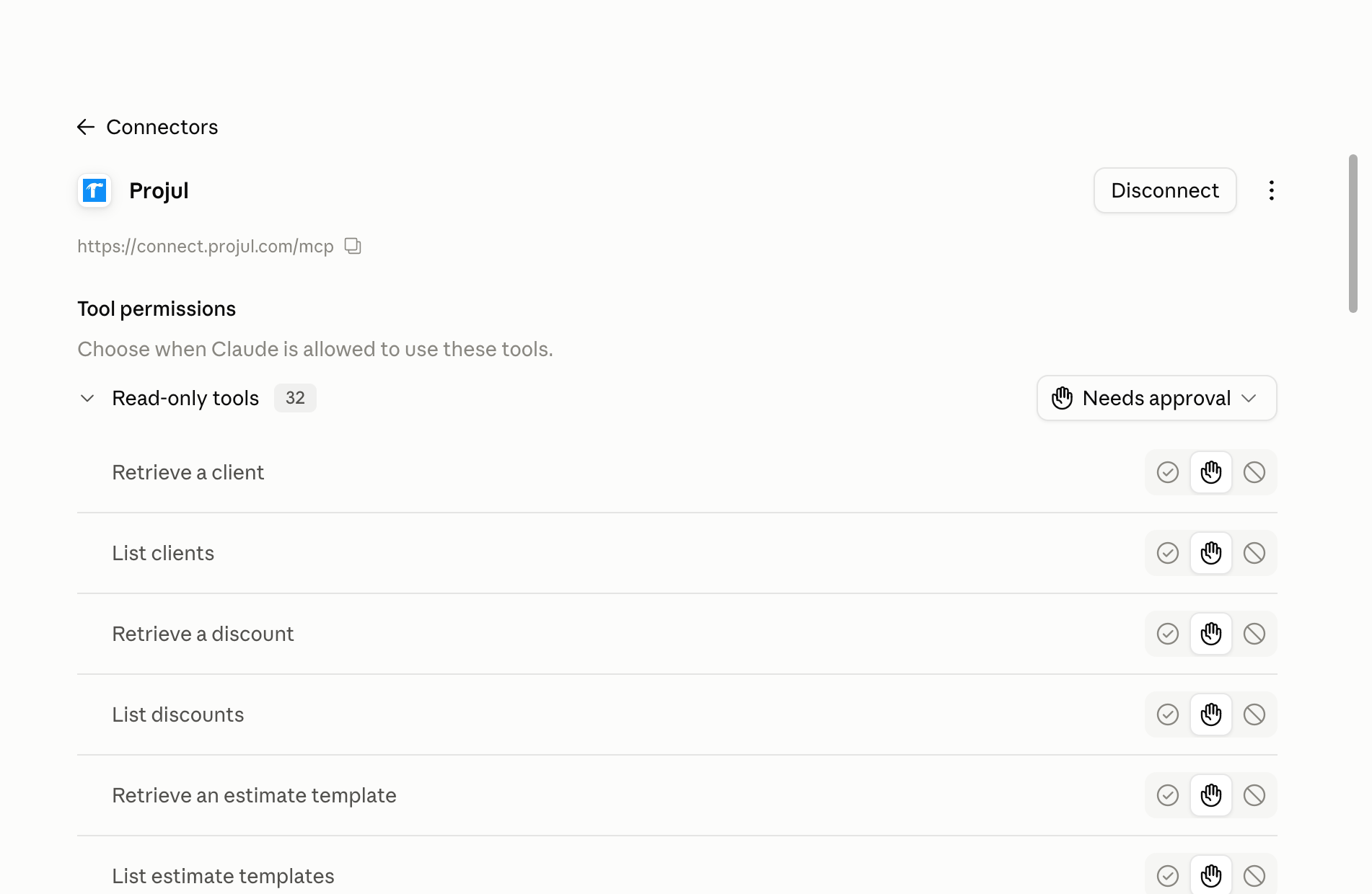
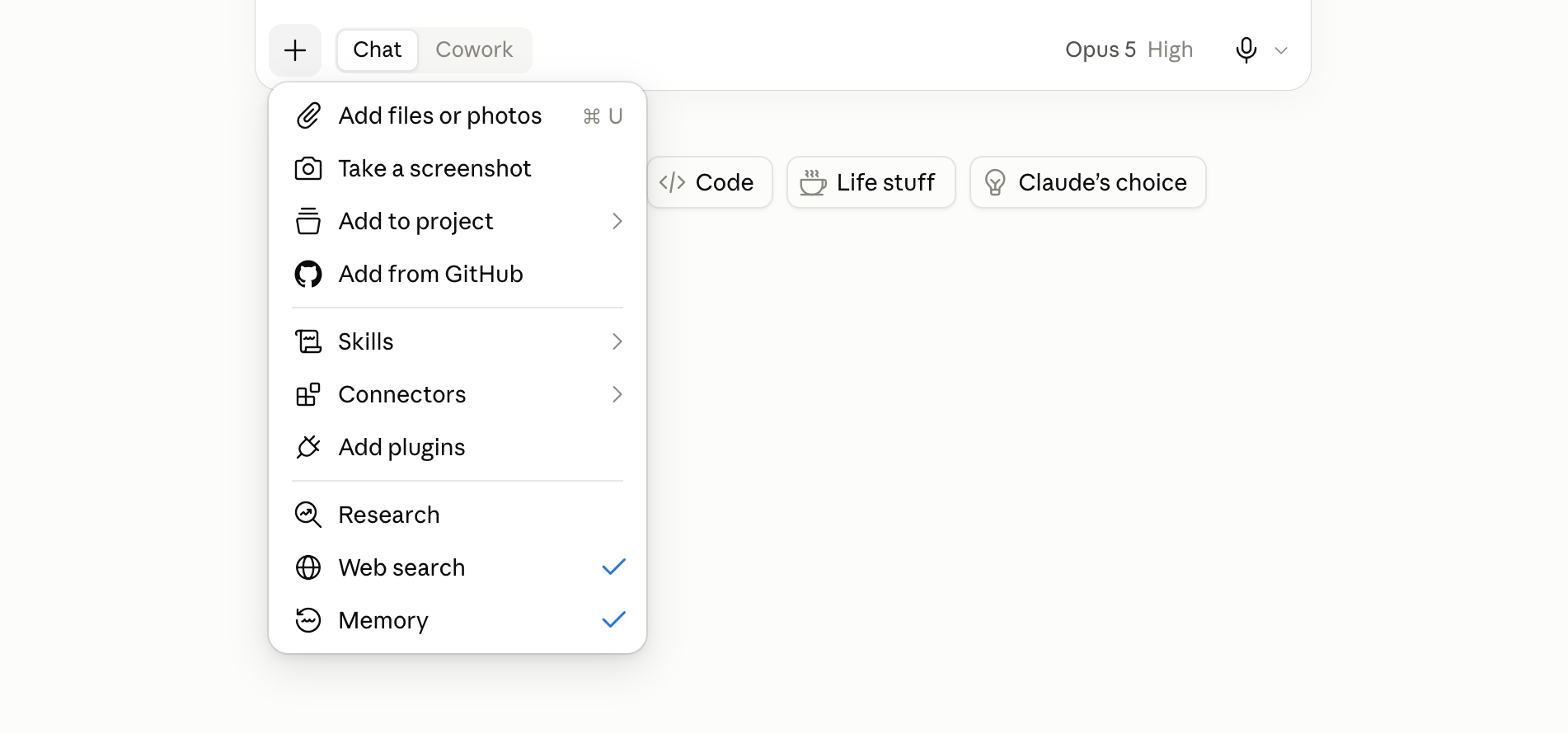
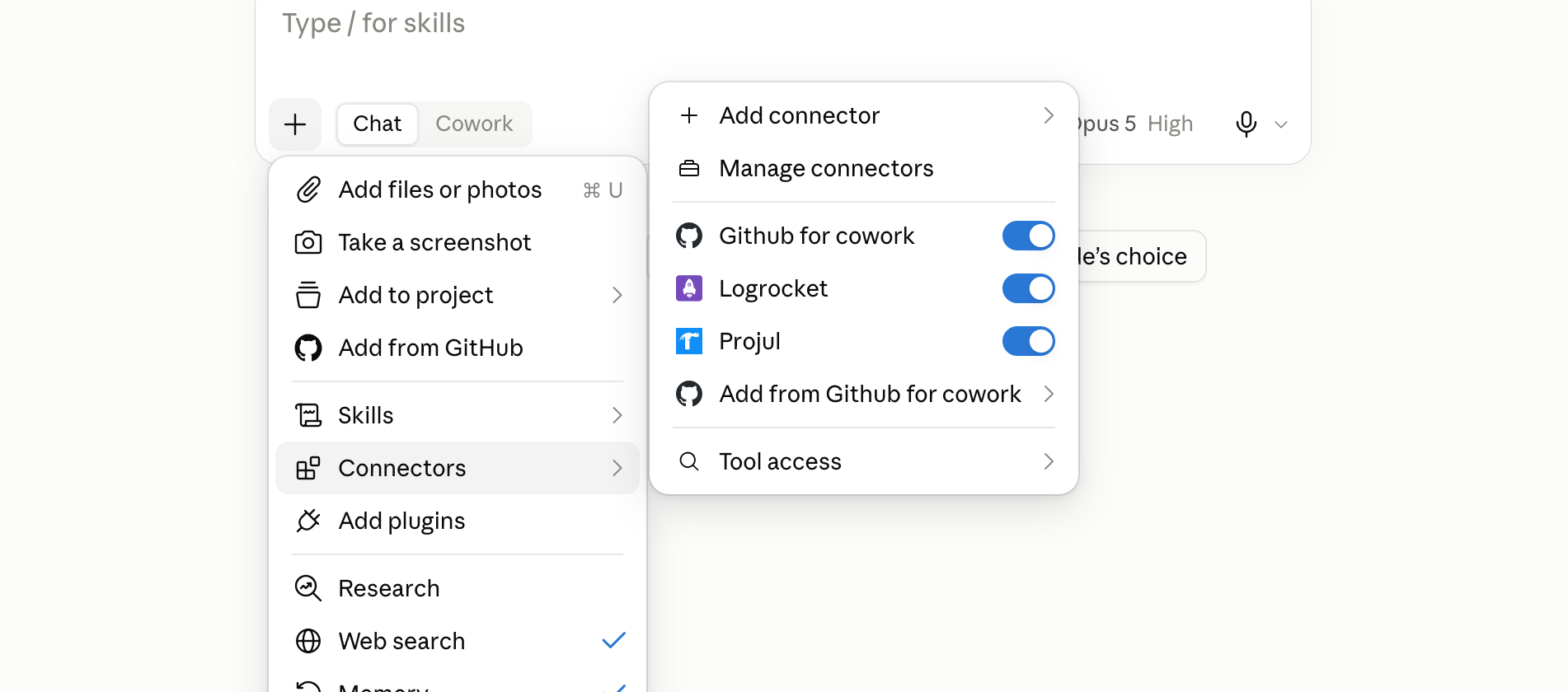
Claude shows "Connected to Projul" with its tool permissions. Projul is on by default in new chats; check via the plus button, "Connectors".
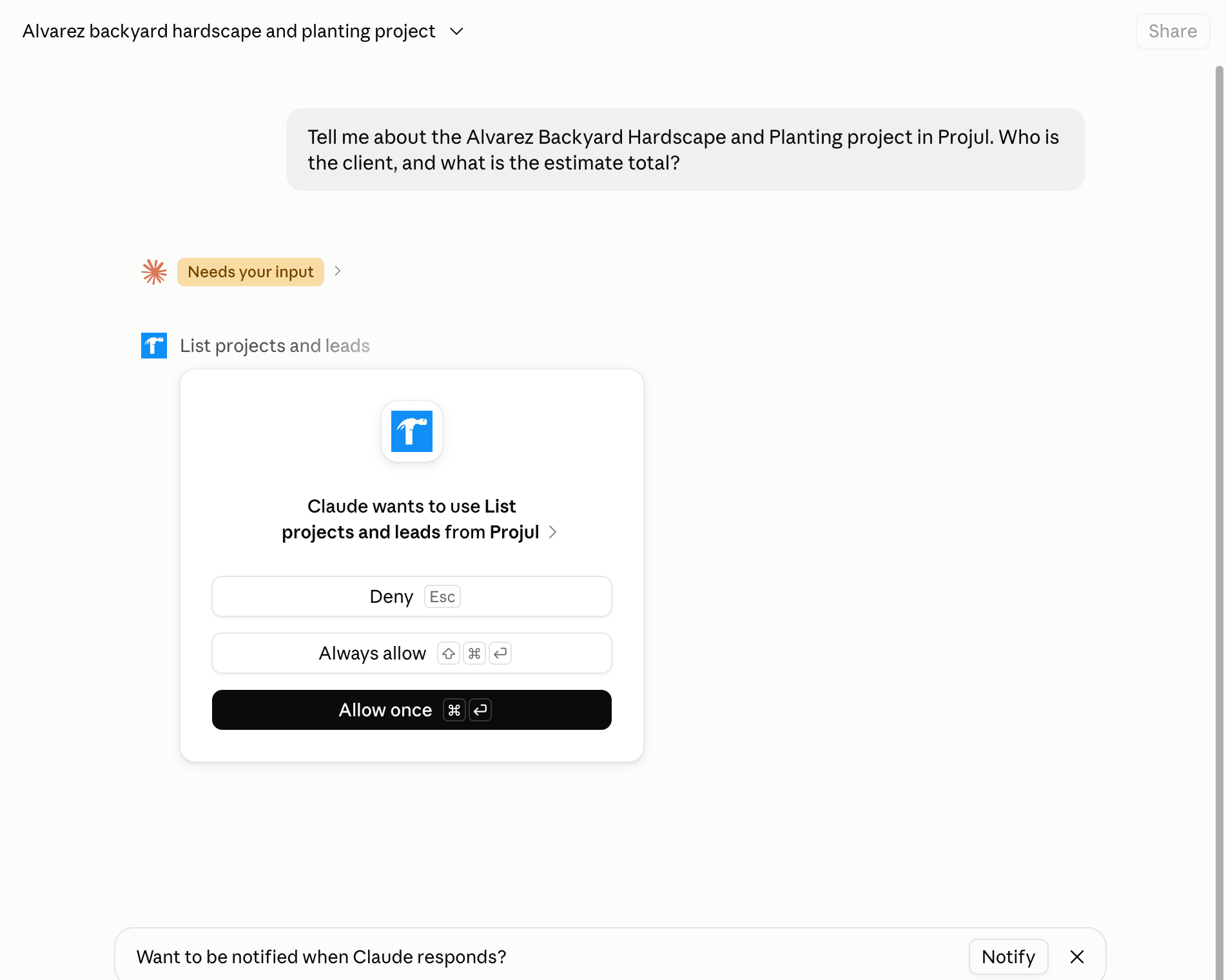
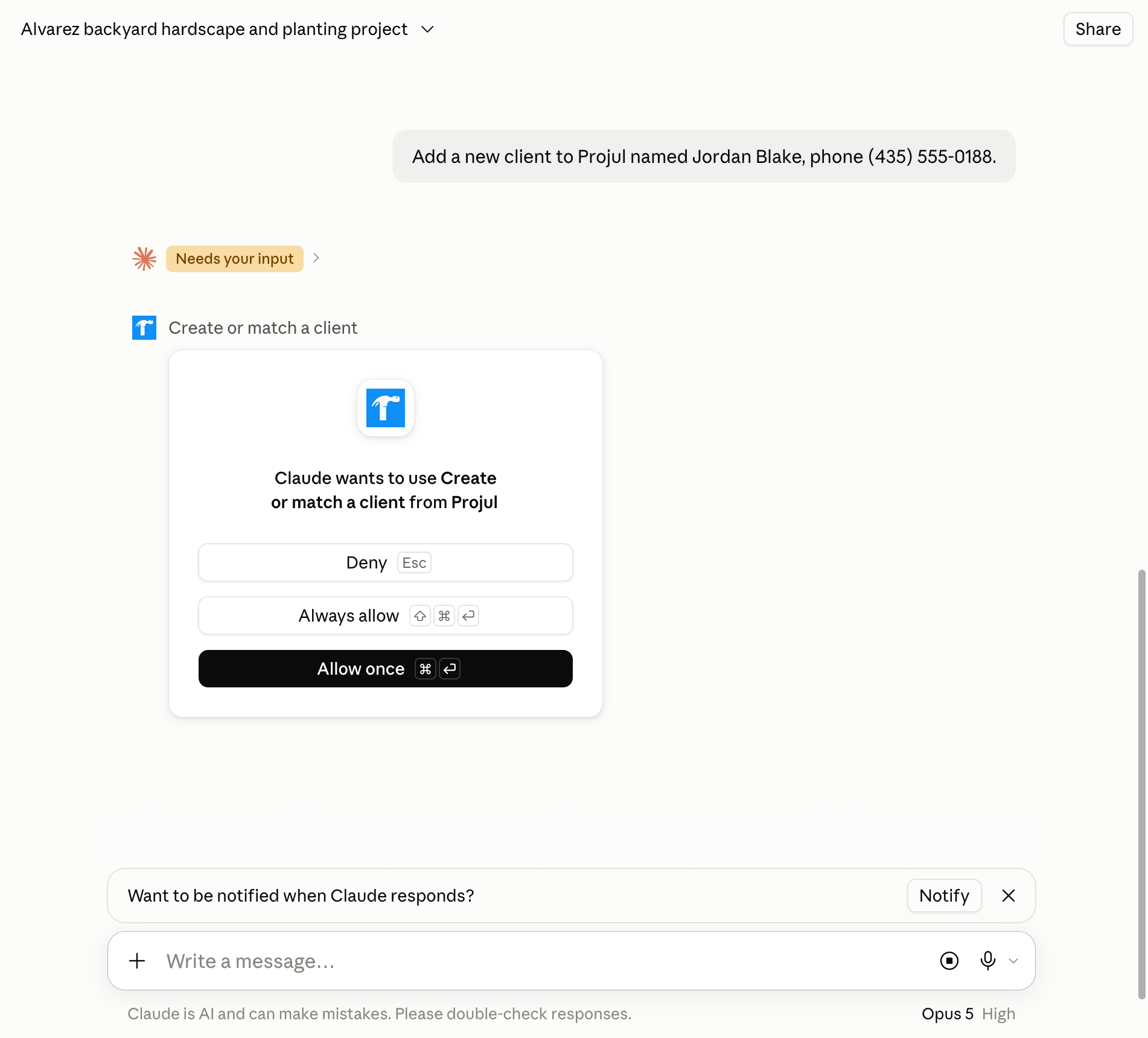
Ask Claude about Projul like you would a coworker, and approve the action the first time it asks:
Tell me about the [Thompson Deck Rebuild] project. Who is the client, and what is the estimate total?
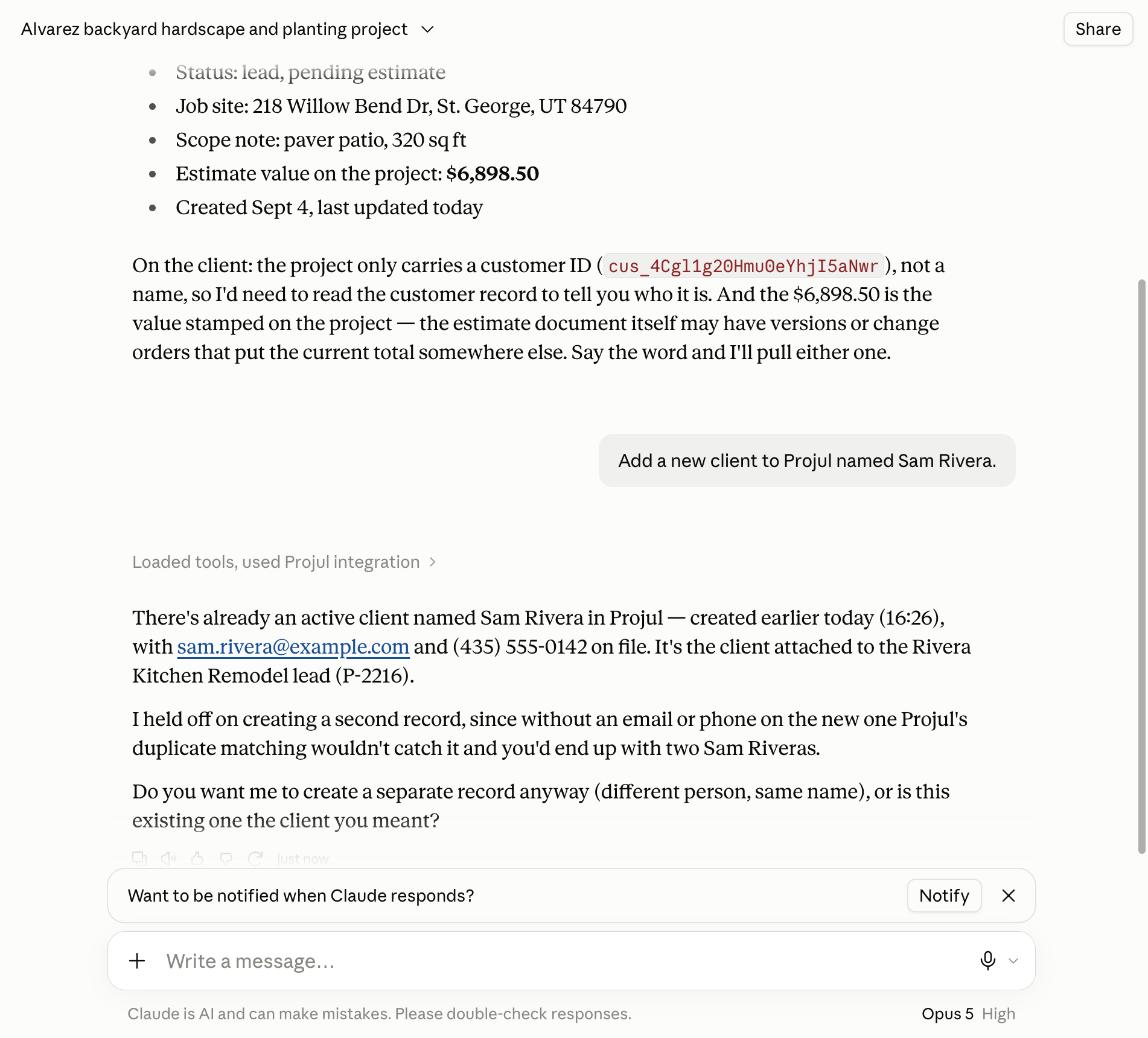
With a Read-Write key, it can also add or change things:
Add a new client to Projul named [Sam Rivera].
Note: Prefer not to use the sign-in page? In step 3, choose "None" under "Authentication" and add a header named authorization with the value Bearer, a space, then your key.
Questions? Let's Chat.
support@projul.com
(844) 776-5853