![Projul Logo 345PX wide.png]](https://knowledge.projul.com/hs-fs/hubfs/Projul%20Logo%20345PX%20wide.png?height=40&name=Projul%20Logo%20345PX%20wide.png)
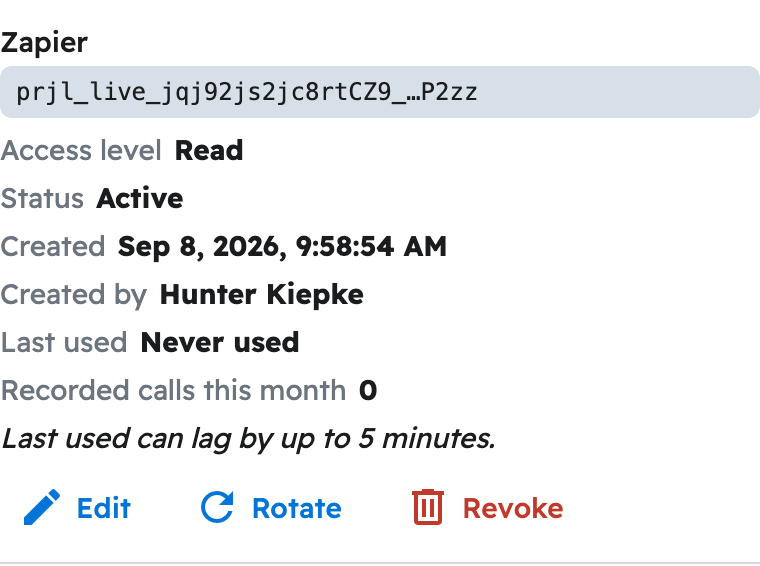
Gemini CLI connects with one command and your API key. The Gemini app and Gemini Enterprise connect through a sign-in page instead.
Gemini CLI
gemini mcp add --scope user --transport http --header "Authorization: Bearer prjl_live_YOURKEYHERE" projul https://connect.projul.com/mcp
Replace prjl_live_YOURKEYHERE with your key and run this in a terminal.
The Gemini app and Gemini Enterprise
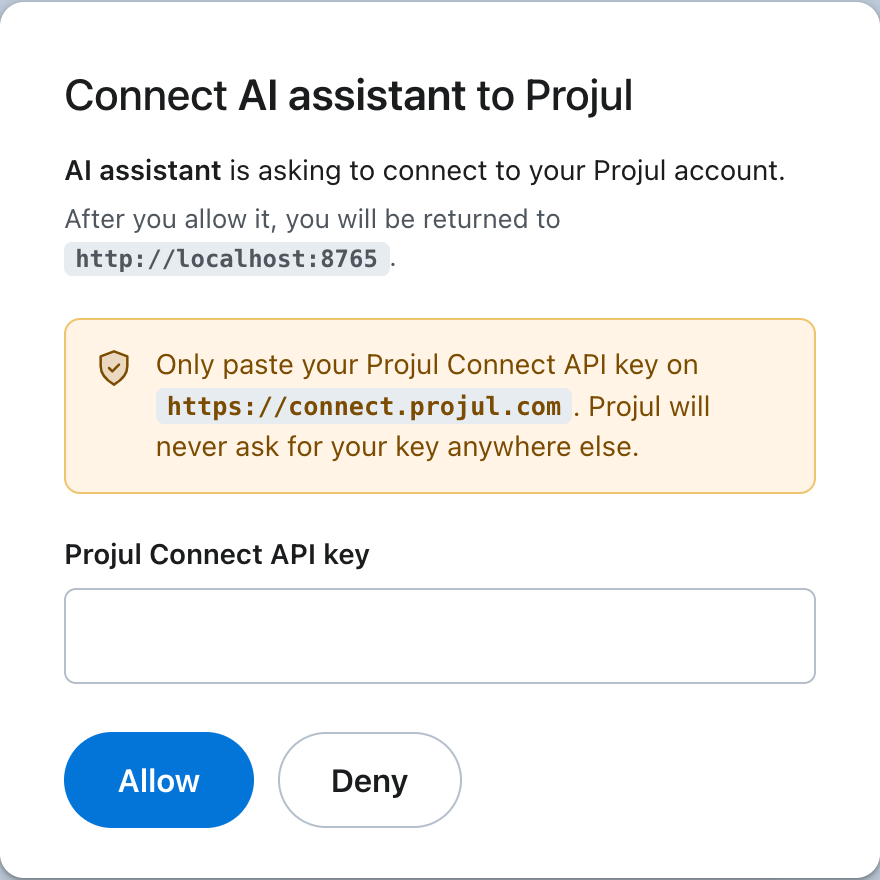
In the Gemini web app, custom apps are part of Gemini Spark, which Google offers on the Google AI Ultra plan for personal accounts in the US. If you have it, go to "Settings & help", "Connected Apps", "Custom apps for Spark", click "Add a custom app", and enter https://connect.projul.com/mcp. There are no credentials to fill in. In Gemini Enterprise, an administrator adds it under "Connected apps". Either way, on the Projul page it sends you to, paste your API key and click "Allow".
What happens
In Gemini CLI, type /mcp to see the connected tools, then ask in plain English. Gemini asks you to approve a Projul action the first time it uses one.
Note: A Read key lets Gemini only look at your data; a Read-Write key also lets it create and change things. See Should I give my AI a Read key or a Read-Write key?
Questions? Let's Chat.
support@projul.com
(844) 776-5853