![Projul Logo 345PX wide.png]](https://knowledge.projul.com/hs-fs/hubfs/Projul%20Logo%20345PX%20wide.png?height=40&name=Projul%20Logo%20345PX%20wide.png)
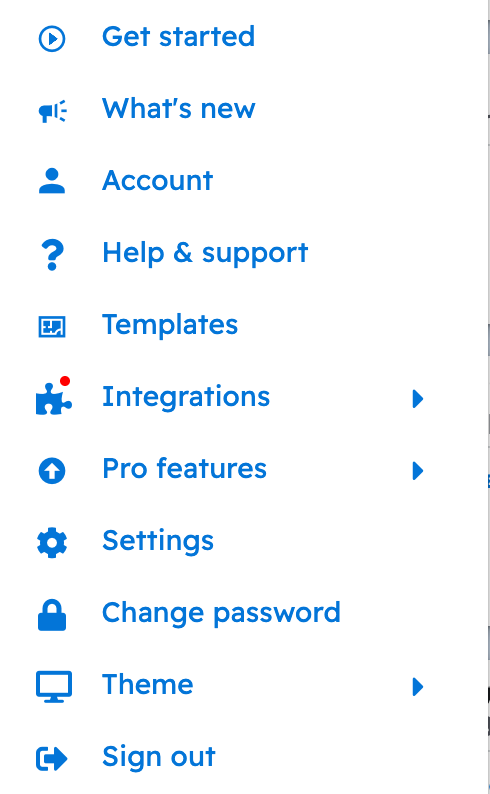
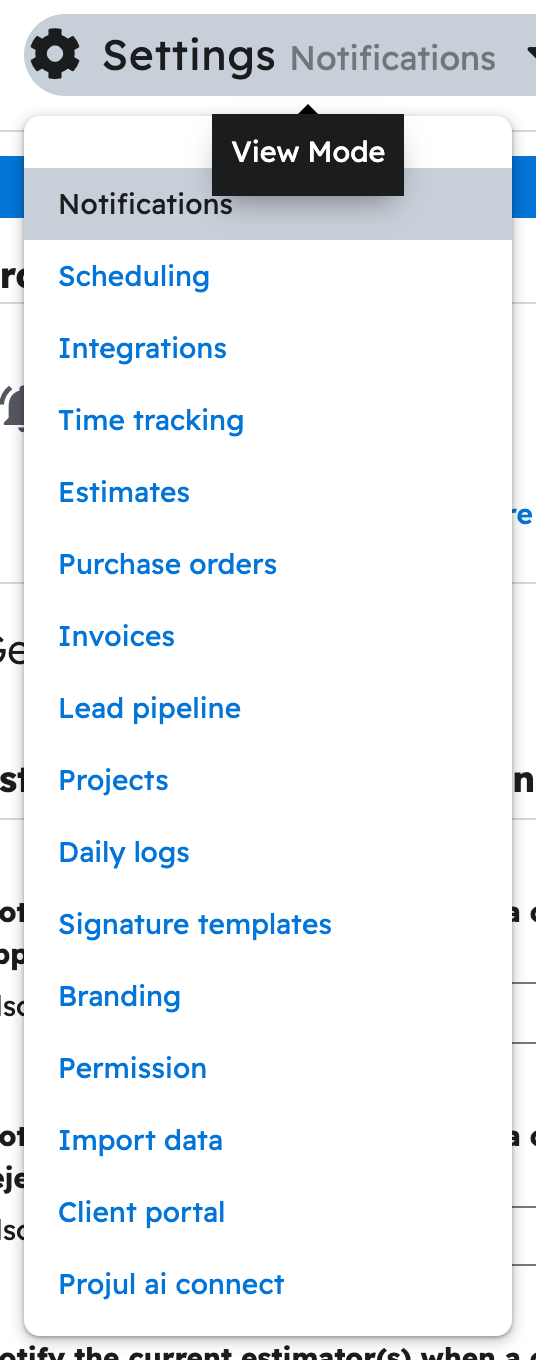
Click your initials in the bottom left corner, click "Settings", choose "Projul AI Connect", then click "Create API key".
Steps
- Click your initials, then "Settings".
- Choose "Projul AI Connect" from the dropdown.
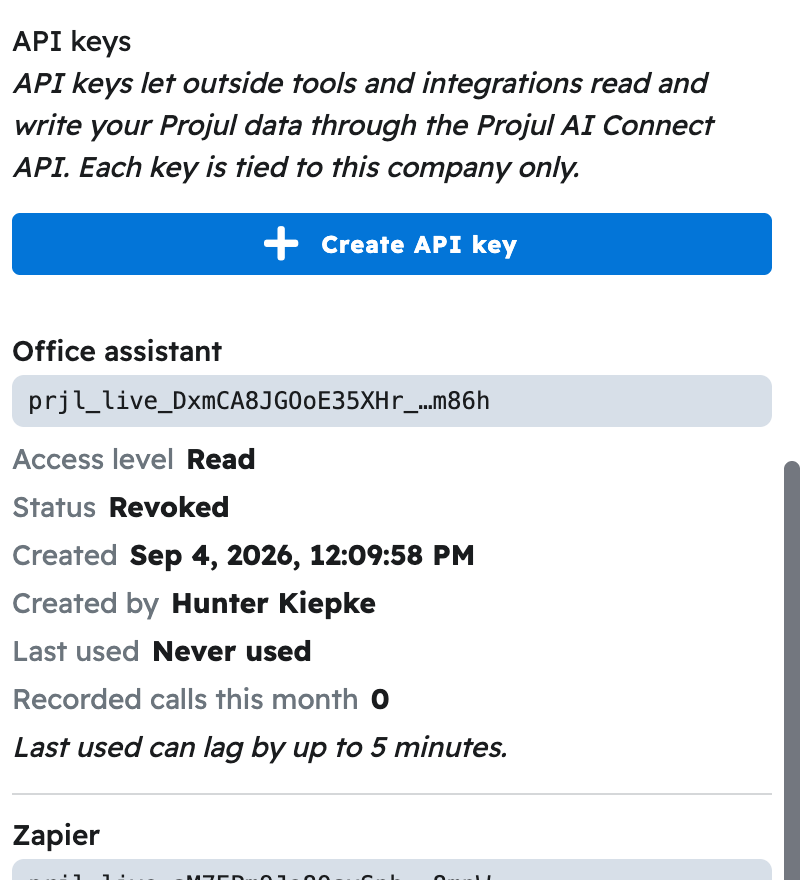
- Scroll to "API keys" and click "Create API key".
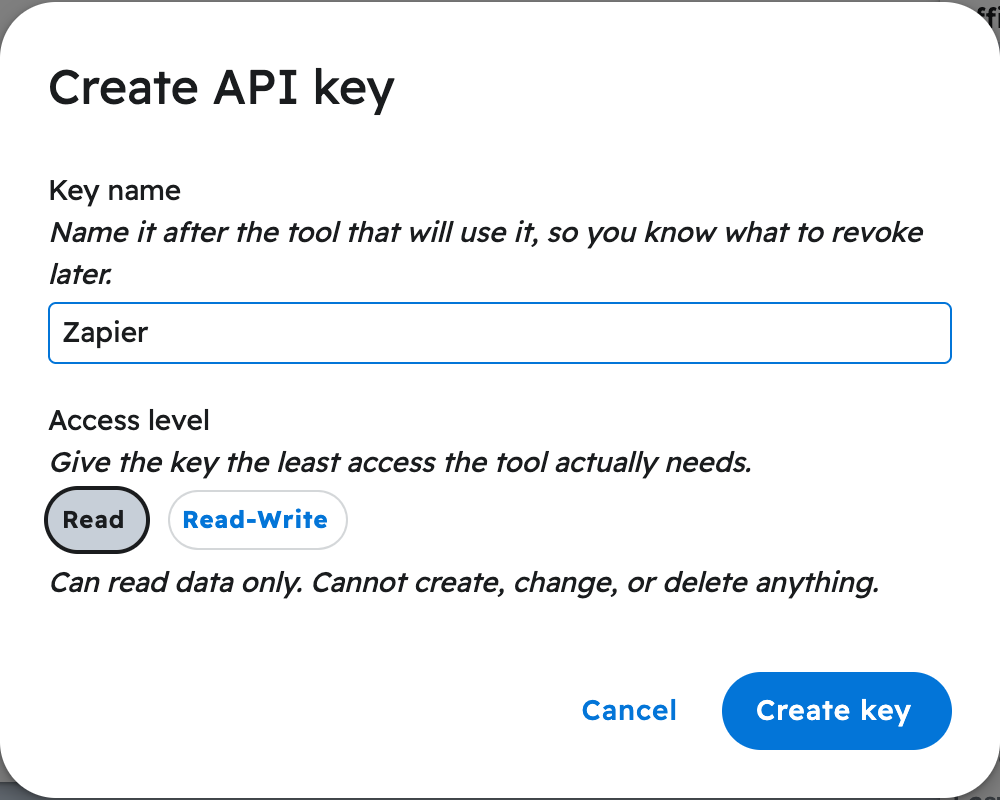
- Name the key after the tool, choose "Read" or "Read-Write", then click "Create key".
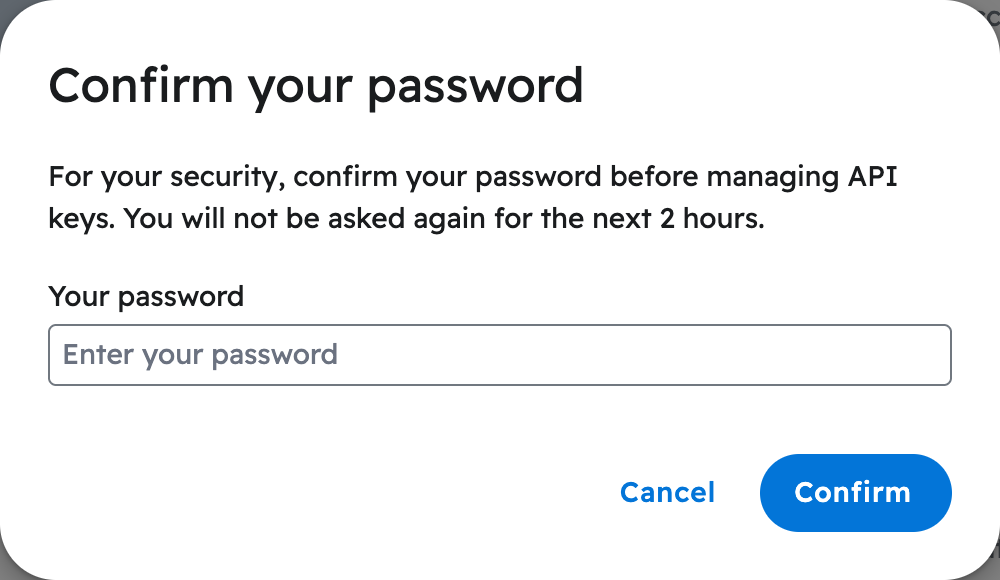
- Accept the terms, enter your password, and click "Confirm".
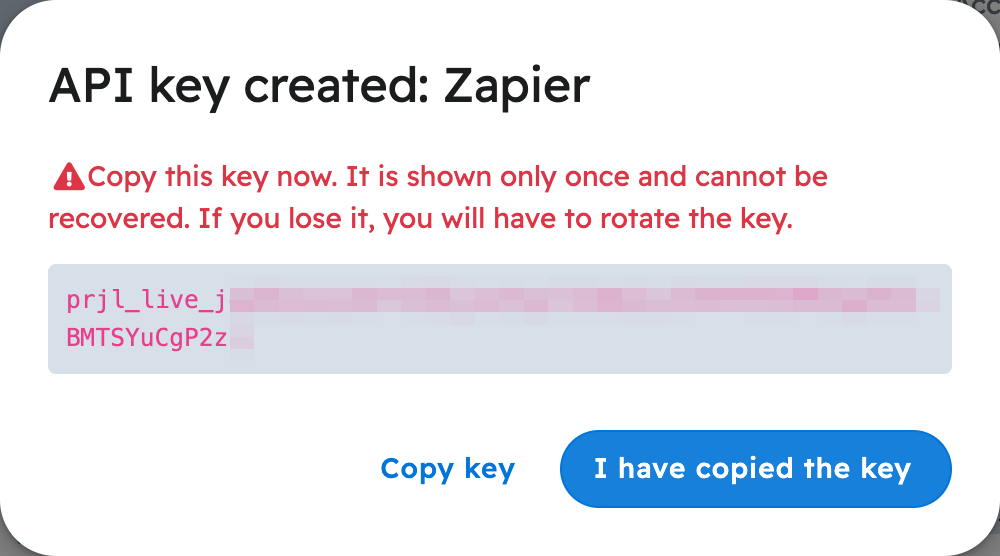
- Click "Copy key" and paste it somewhere safe, then click "I have copied the key".
What happens
Your key, starting with prjl_live_YOURKEYHERE, is shown only this once. It then appears in the "API keys" list with its name, access level and status.
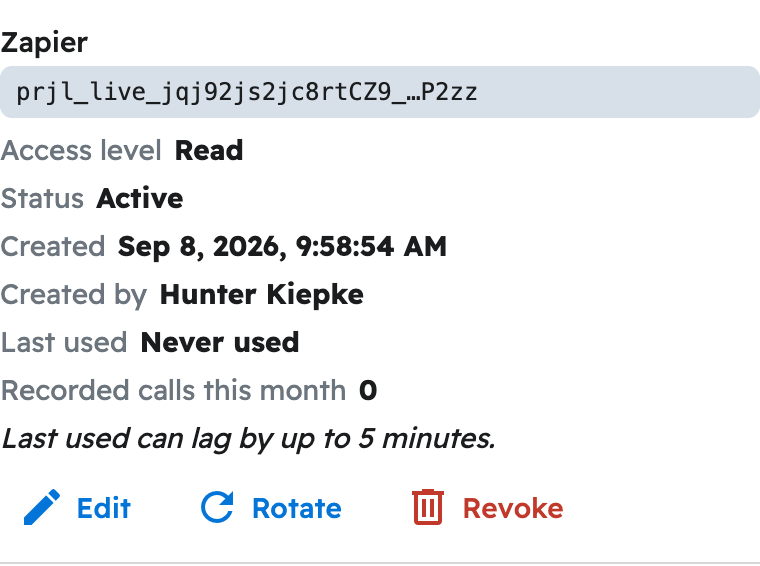
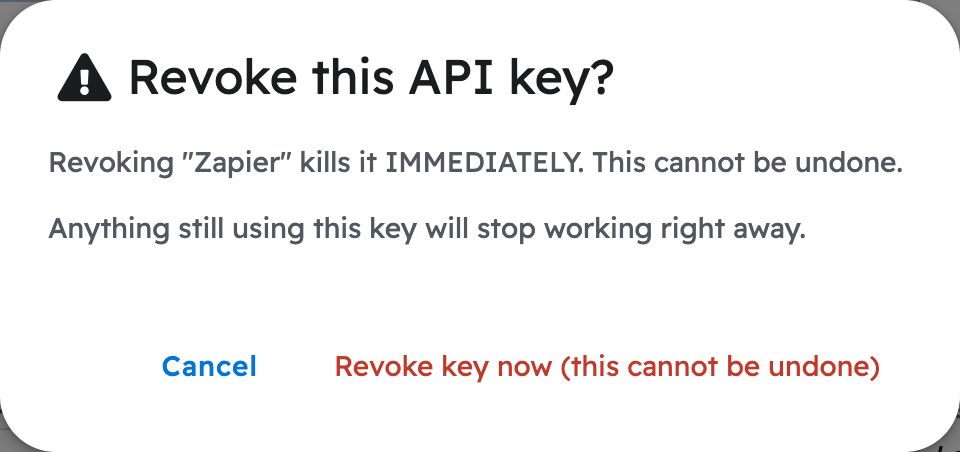
To remove a key later, click "Revoke", then confirm.
Note: Only an account owner or administrator can create a key. Not sure Read or Read-Write? See Should I give my AI a Read key or a Read-Write key?
Questions? Let's Chat.
support@projul.com
(844) 776-5853