![Projul Logo 345PX wide.png]](https://knowledge.projul.com/hs-fs/hubfs/Projul%20Logo%20345PX%20wide.png?height=40&name=Projul%20Logo%20345PX%20wide.png)
Your AI can set a project's job-site address and add a project note or message in Projul. It works the same on a lead.
Say this
Set the job address on [Rivera Kitchen Remodel] in Projul to [418 W Tabernacle St, St. George, UT 84770].
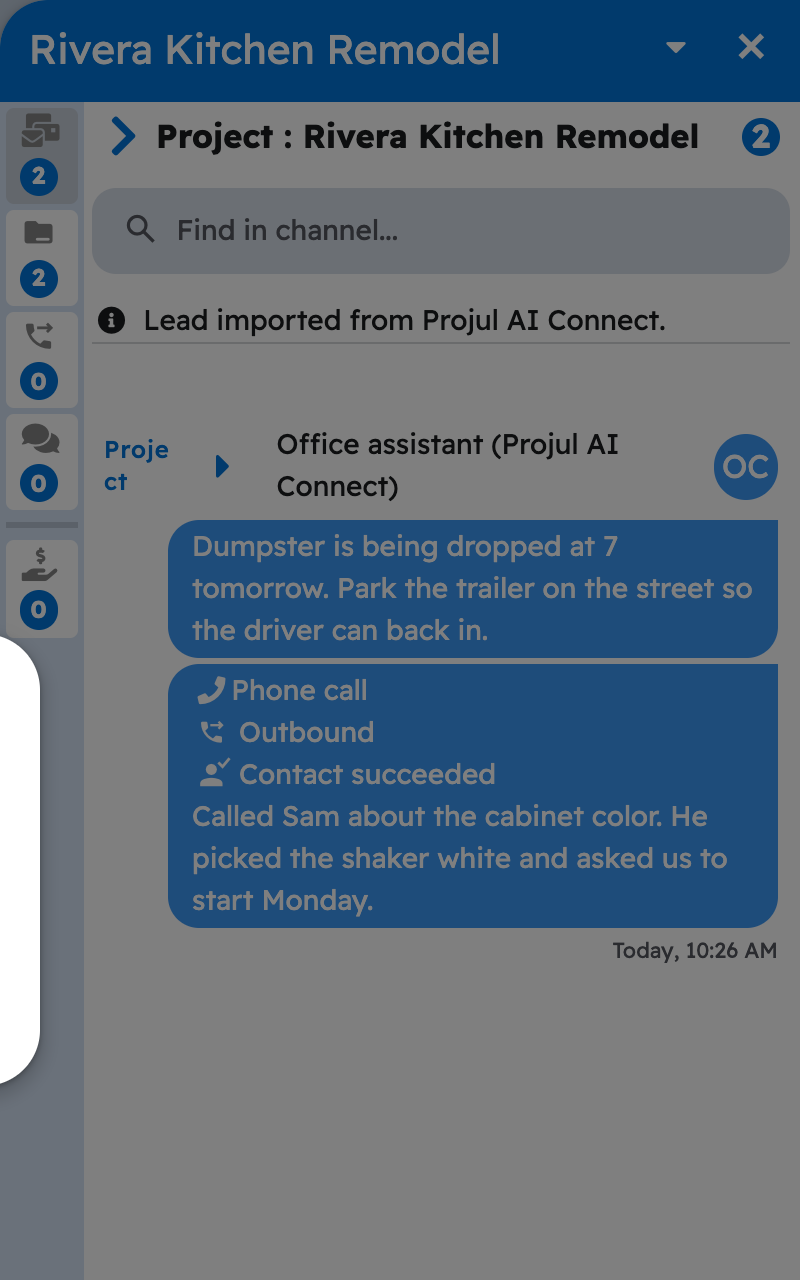
Add a note to [Rivera Kitchen Remodel] in Projul: [Homeowner wants quartz counters, prefers work to start after Oct 15.]
What happens
Your AI asks you to approve the change before it saves. Projul geocodes the address for the project card and map. For a note, open the project's three-dot menu and click "Open Messages" to see it at the top.
Note: Your AI can read the messages between you and the client, but it cannot send one to the client, since that emails them from Projul. See Can my AI message a client directly?
Questions? Let's Chat.
support@projul.com
(844) 776-5853