![Projul Logo 345PX wide.png]](https://knowledge.projul.com/hs-fs/hubfs/Projul%20Logo%20345PX%20wide.png?height=40&name=Projul%20Logo%20345PX%20wide.png)
Tell your AI the numbers off your takeoff sheet, and it builds the painting estimate in Projul.
Say this
Build an estimate in Projul for [Whitfield Interior Repaint]. Sections: Surface prep, Ceilings, Walls, Trim and doors, Materials and sundries.

Ceilings: [1,180] sq ft at [$0.65] per sq ft with [45]% markup; [4] gallons of [flat ceiling white] at [$32] with [30]%.

Walls: [3,240] sq ft at [$0.72] per sq ft with [45]% markup, two coats; [18] gallons of [interior eggshell] at [$46] with [30]%.

Apply our [Utah] sales tax and tell me the total.
What happens
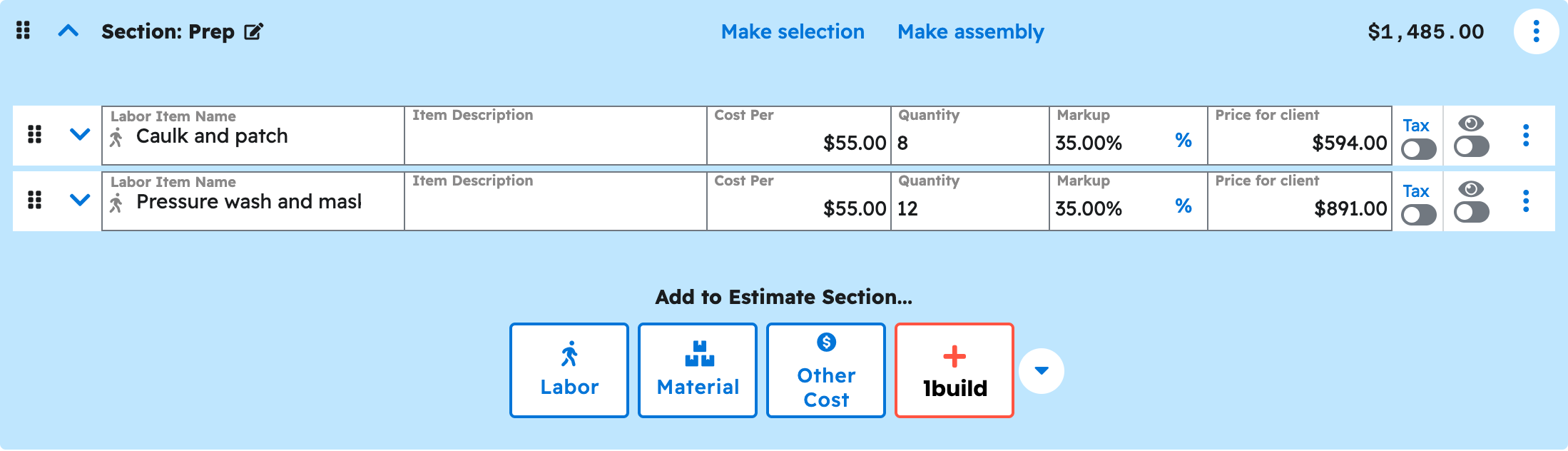
Your AI asks you to approve each step, then reports the estimate number and total. In Projul, click "Estimates" to see it at the top as a Draft.
Note: Tax applies only when you name a rate from your settings. Publishing and sending the estimate happen in Projul, not your AI. See Copy-paste prompts: painters for more prompts.
Questions? Let's Chat.
support@projul.com
(844) 776-5853