![Projul Logo 345PX wide.png]](https://knowledge.projul.com/hs-fs/hubfs/Projul%20Logo%20345PX%20wide.png?height=40&name=Projul%20Logo%20345PX%20wide.png)
Tell your AI which saved estimate template, client and job, and it creates a Draft estimate in Projul.
Say this
Create an estimate for [Larry Adams] on his [Adams New House Build] project using my [New House Build] template. Apply our [Utah] sales tax. Tell me the estimate number and the total when it is done.
Add a new project called [Thompson Deck Rebuild] for [Dale Thompson], then create an estimate for it from my [Deck Construction] template.
What happens
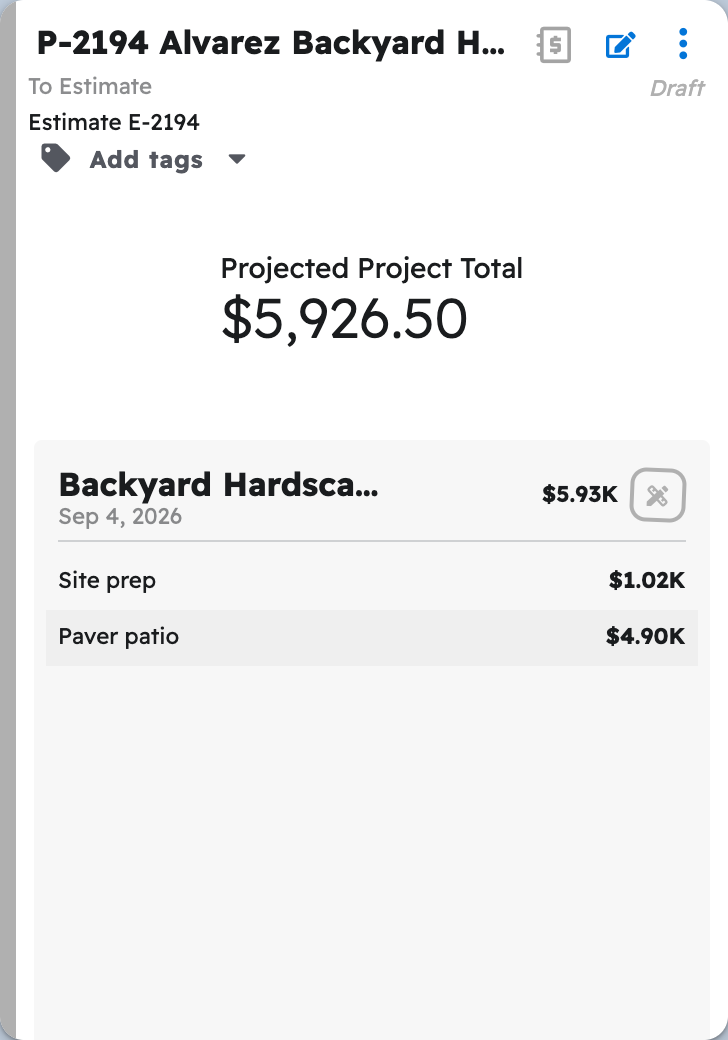
Your AI reports the estimate number and total. The estimate appears at the top of "Estimates" as a Draft, with every section and line item from the template copied in and totals calculated.
Note: Tax applies only when you name a rate; it is never carried over from the template or your account's default.
Watch it work
Short videos of Projul AI Connect doing this kind of job:
- Site visit notes to estimate (1:06)
New to Projul AI Connect? Watch the overview video (2:37): what it is, how to set it up, and an estimate built from site notes.
Questions? Let's Chat.
support@projul.com
(844) 776-5853