![Projul Logo 345PX wide.png]](https://knowledge.projul.com/hs-fs/hubfs/Projul%20Logo%20345PX%20wide.png?height=40&name=Projul%20Logo%20345PX%20wide.png)
Tell your AI the phase, the dates, and who's on it, and it creates the task and places it on Projul's "Schedule".
Say this
Lay out the schedule for [Northgate Plaza Suite 210 Tenant Improvement] in Projul, starting [March 17]:
[Permit submittal] on [March 17], one day, [Renata Cole].
[Plan review] as a deadline on [April 10].
[Preconstruction meeting] on [April 14] from [9 to 10:30 am] with [Renata Cole], [Dale Sorenson] and [Curtis Nash].
[Selective demolition], [April 16 to April 21], the [Demolition crew] team.
[Overhead mechanical, electrical and plumbing rough-in], [April 30 to May 12], [Priya Deshmukh], [Trent Okafor] and [Nina Barros].
[Above-ceiling and rough inspection] as a deadline on [May 14].
[Final inspection] as a deadline on [June 29].
Tell me the dates you set for each one.
What happens
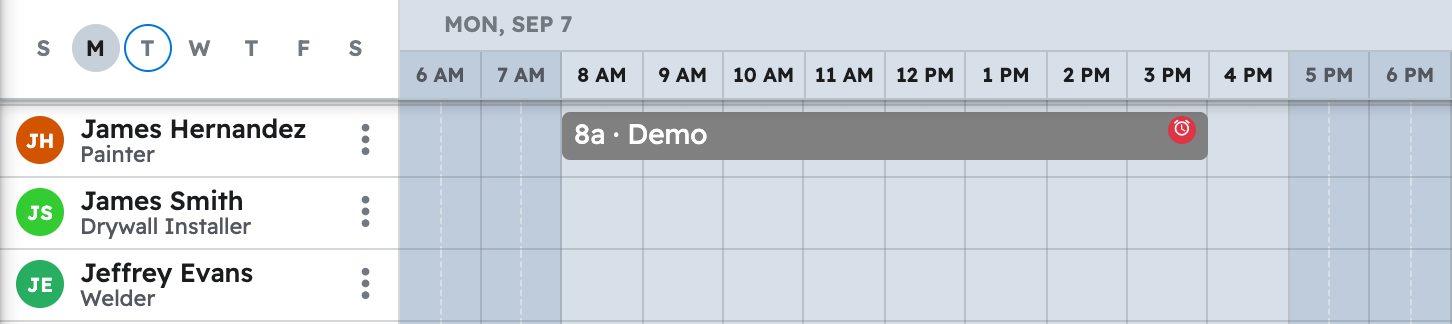
Your AI reports the dates it set. Each task lands on "Schedule" for everyone assigned, and also shows under "Task list" and on the project's "Timeline" and "Gantt" views.
Note: Time tracking, daily logs and purchase orders are not yet available to your AI. See Which Projul features are not available to my AI yet?
Questions? Let's Chat.
support@projul.com
(844) 776-5853