![Projul Logo 345PX wide.png]](https://knowledge.projul.com/hs-fs/hubfs/Projul%20Logo%20345PX%20wide.png?height=40&name=Projul%20Logo%20345PX%20wide.png)
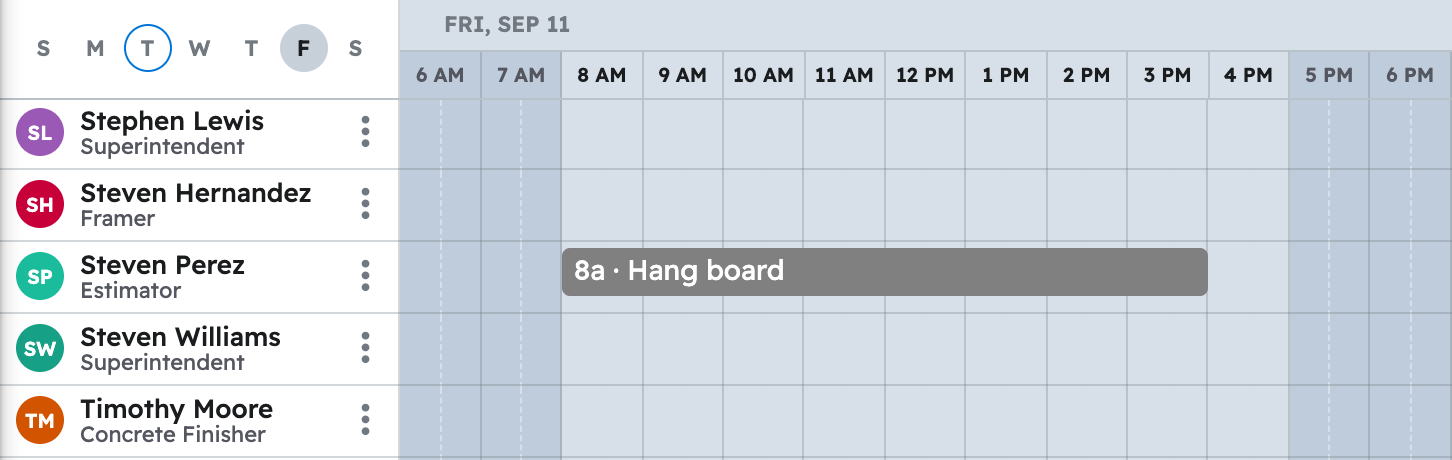
Tell your AI the phases, the days, and the crew, and it creates the tasks in Projul on the "Schedule".
Say this
Lay out the schedule in Projul for [Rockwater Lot 42 Hang and Finish] starting [Monday October 6]:
[Insulate walls and attic] two days, [Insulation crew];
[Stock the house] half a day, [Hang crew];
[Hang, main floor and upper] three days, [Hang crew];
[Tape and bed] two days, [Finish crew];
[Second coat] one day, [Finish crew];
[Third coat and sand] two days, [Finish crew];
[Knockdown texture] one day, [Finish crew].
Work days only, [7 am to 3:30 pm].
Name a crew instead of people and Projul uses everyone on it right now.
What happens
Your AI creates each task and places it on the "Schedule" for the days and crews you named.
Note: Your AI never touches the time clock or timesheets; only active employees and subcontractors can be assigned.
Questions? Let's Chat.
support@projul.com
(844) 776-5853