![Projul Logo 345PX wide.png]](https://knowledge.projul.com/hs-fs/hubfs/Projul%20Logo%20345PX%20wide.png?height=40&name=Projul%20Logo%20345PX%20wide.png)
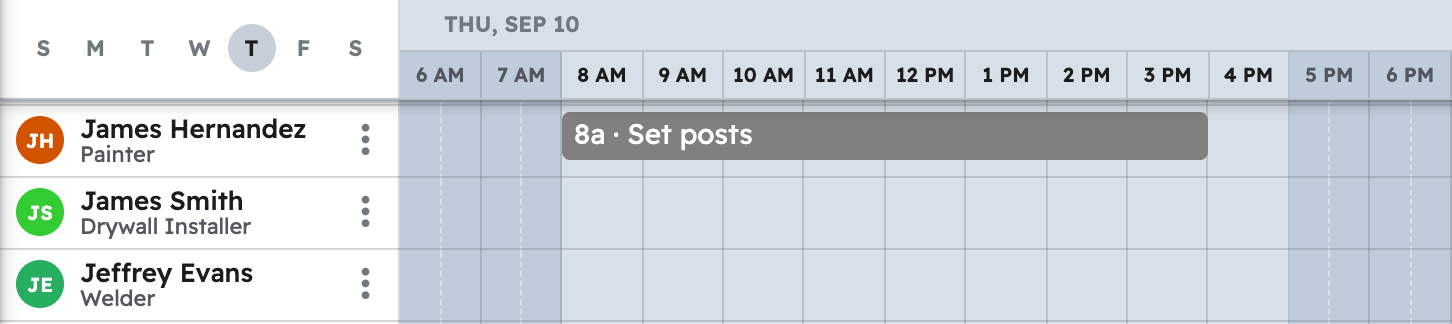
Tell your AI what has to happen on the fence job, when, and who is on it, and it puts the tasks on the "Schedule".
Say this
Schedule the [Hollis Privacy Fence] job in Projul. [Monday]: call in the locate, a deadline on [Marco Reyes]. [Tuesday 7 am to 9 am]: material drop, [214 lin ft of cedar, 28 posts, 56 bags of concrete, two gate kits]. [Wednesday 7 am to 4 pm]: tear out 90 ft of chain link and set posts, [Tomas Vega] and [Ruth Bell]. [Thursday] is the cure, nothing scheduled. [Friday 7 am to 4 pm] and [Monday 7 am to 2 pm]: rails and pickets, [Tomas Vega] and [Ruth Bell]. [Monday 2 pm to 4 pm]: hang both gates, [Ruth Bell]. [Tuesday 8 am to 9 am]: final walk with the client, [Marco Reyes].
What happens
Your AI creates each task and places it on the "Schedule" for those people. Name a team instead of a person and everyone currently on it is assigned, and a later roster change will not rewrite the job. No date yet? The task is created unscheduled.
Note: Your AI schedules in your Projul time zone. Crew hours, time logs and the time clock are not available to it.
Questions? Let's Chat.
support@projul.com
(844) 776-5853