![Projul Logo 345PX wide.png]](https://knowledge.projul.com/hs-fs/hubfs/Projul%20Logo%20345PX%20wide.png?height=40&name=Projul%20Logo%20345PX%20wide.png)
Tell your AI the phases, days and crew for a job, and it creates the tasks and puts them on the "Schedule" for you.
Say this
Lay out the schedule in Projul for [Delgado Main Floor Replacement] starting [Monday November 10]:
[Deliver material to acclimate] one afternoon, [Marco Ruiz];
[Move furniture and appliances out] half a day, [Install crew];
[Tear out carpet, pad and sheet vinyl] one day, [Tear-out crew];
[Subfloor prep and moisture reading] one day, [Marco Ruiz];
[Plank install, main floor] three days, [Install crew];
[Tile set, two baths] one day, [Tile crew];
[Grout and cure] one day, [Tile crew];
[Transitions, quarter round and stair nosing] one day, [Install crew];
[Final clean and walkthrough] half a day, [Grace Oakes].
Work days only, [7:30 am to 4 pm].
To move part of the schedule later, tell your AI which task and how far to shift it.
The plank delivery on [Delgado Main Floor Replacement] moved to [Wednesday]. In Projul, push [Deliver material to acclimate] to Wednesday afternoon and slide [Plank install, main floor] and everything after it by [three] days. Leave the [Client walkthrough] deadline where it is.
What happens
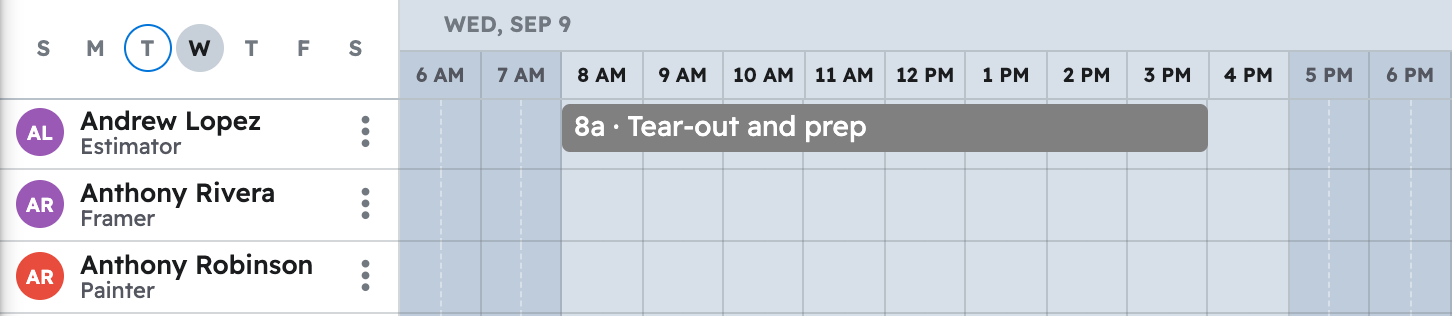
Your AI creates the tasks and places them on the "Schedule" for the people or crew named. Click "Schedule" in Projul to see them.
Note: Naming a crew assigns whoever is on it right now; a later change to the crew's members won't change a job already scheduled.
Questions? Let's Chat.
support@projul.com
(844) 776-5853