![Projul Logo 345PX wide.png]](https://knowledge.projul.com/hs-fs/hubfs/Projul%20Logo%20345PX%20wide.png?height=40&name=Projul%20Logo%20345PX%20wide.png)
Tell your AI the phases, dates and crew for a job, and it creates the tasks in Projul and puts them on the schedule.
Say this
Build the schedule for [Alvarez Backyard Renovation] in Projul starting [Monday May 4]. Demo and sod cut is [1 day] with [Grace Oakes] and [Priya Hutton]. Base and compaction is [1 day], wall build is [2 days], paver install is [3 days] with all three, irrigation is [1 day] with [Diane Meyer], cleanup is [half a day]. Skip weekends, work days are [7 to 3:30].
It is going to rain [Tuesday and Wednesday]. Move [Sod install] and [Mulch and edging] on [Alvarez Backyard Renovation] in Projul out by [two days] and keep the same crews.
What happens
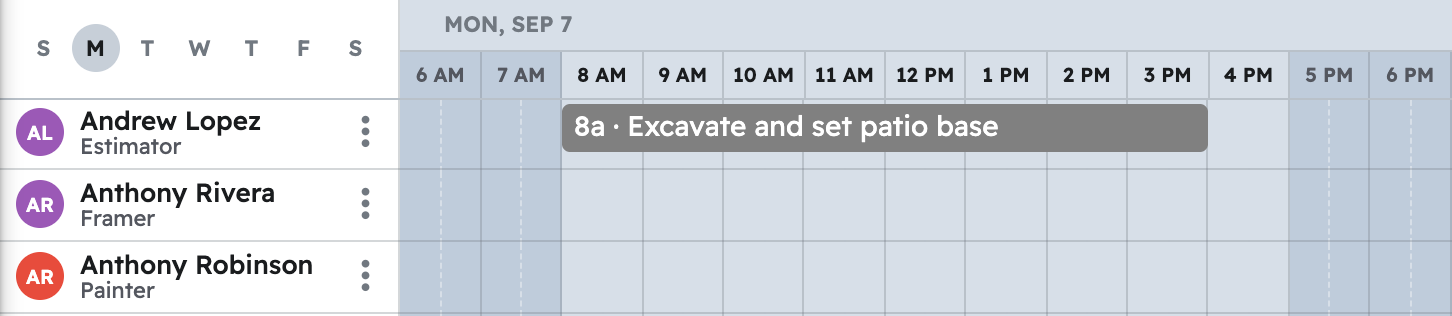
Your AI confirms the dates and people, then each task appears on "Schedule" for everyone assigned.
Note: Task dependencies on the Gantt are not available to your AI; say which tasks to move. More prompts: see Copy-paste prompts: landscapers
Questions? Let's Chat.
support@projul.com
(844) 776-5853