![Projul Logo 345PX wide.png]](https://knowledge.projul.com/hs-fs/hubfs/Projul%20Logo%20345PX%20wide.png?height=40&name=Projul%20Logo%20345PX%20wide.png)
Tell your AI what the crew is doing, on which job and day, and who is on it. It creates the tasks and places them on the "Schedule" for those painters.
Say this
Schedule [Whitfield Interior Repaint] in Projul starting [Monday, October 6].

Monday [8 am to 4 pm]: [Mask, cover floors and furniture, patch and sand] with [Luis Ferrer] and [Amy Boyd].
Tuesday [8 am to 4 pm]: [Spot prime and cut in ceilings] with [Luis Ferrer] and [Amy Boyd].
Wednesday [8 am to 4 pm]: [Roll ceilings and first coat on walls] with [Luis Ferrer], [Amy Boyd] and [Tomas Reyes].
Thursday [8 am to 4 pm]: [Second coat on walls] with [Luis Ferrer] and [Amy Boyd].
Friday [8 am to 2 pm]: [Trim, doors and touch-up walk] with [Luis Ferrer].
Name a crew instead of people and Projul uses everyone on it right now. Give your AI a list of steps and it adds a checklist to the task.
What happens
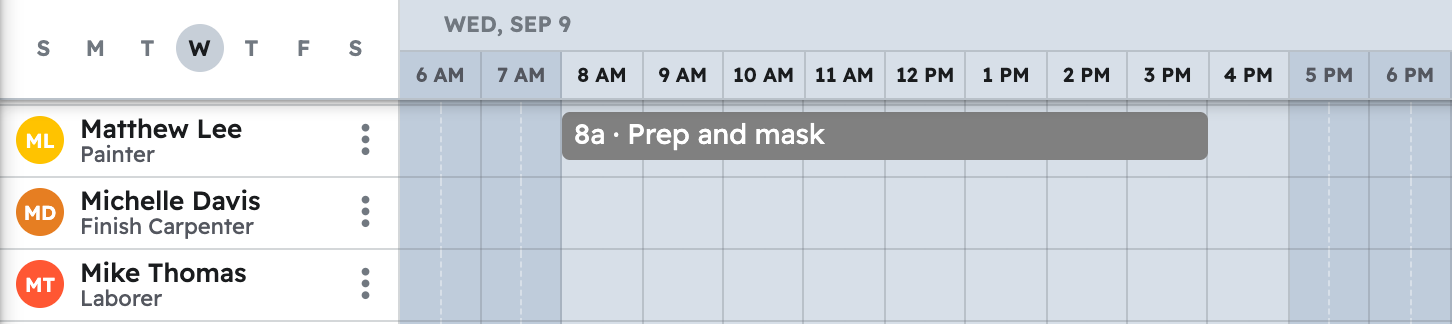
Your AI creates each task and places it on the "Schedule" for the day and people you named.
Note: Your AI does not track crew hours; clocking in and timesheets stay in Projul.
For more prompts, see Copy-paste prompts: painters.
Questions? Let's Chat.
support@projul.com
(844) 776-5853