![Projul Logo 345PX wide.png]](https://knowledge.projul.com/hs-fs/hubfs/Projul%20Logo%20345PX%20wide.png?height=40&name=Projul%20Logo%20345PX%20wide.png)
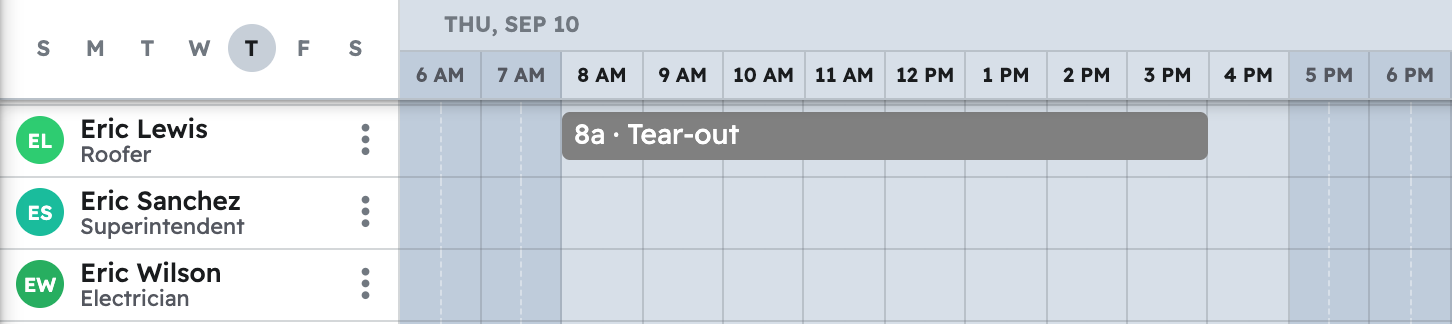
Tell your AI the phases, days and crews, and it creates the tasks in Projul on the "Schedule".
Say this
Build the schedule in Projul for [Ridgeline Plaza Lot Repave], starting [Monday June 8].

Monday: [Mobilize and set traffic control], 6 am to 8 am, [Dave Ruiz] and [Manny Ortega]. Then [Sawcut at gutter line and building edge], 8 am to 12 pm, [Manny Ortega].

Monday and Tuesday: [Mill 2 inch surface and haul off millings], 7 am to 4 pm both days, the [Milling crew] team.

Wednesday: [Full-depth patch and base repair], 7 am to 4 pm, the [Grading crew] team.

Thursday: [Grade, compact and tack], 6 am to 10 am, the [Grading crew] team. Then [Pave binder course], 10 am to 5 pm, the [Paving crew] team.

Friday: [Pave surface course and roll], 6 am to 4 pm, the [Paving crew] team.

Following Monday: [Stripe stalls, ADA, arrows and stop bars, reset wheel stops], 7 am to 3 pm, the [Striping crew] team.

Following Tuesday: [Punch walk with the property manager], 8 am to 9 am, [Dave Ruiz].
Name a crew instead of people and Projul uses everyone on it right now.
What happens
Your AI creates each task and places it on the "Schedule" for the days and crews you named.
Note: Crew hours are not available to your AI; clocking in, timesheets and daily logs stay in Projul.
Questions? Let's Chat.
support@projul.com
(844) 776-5853