![Projul Logo 345PX wide.png]](https://knowledge.projul.com/hs-fs/hubfs/Projul%20Logo%20345PX%20wide.png?height=40&name=Projul%20Logo%20345PX%20wide.png)
Tell your AI the phases, dates and crew for the job, and it creates the tasks and puts them on the schedule.
Say this
Build the schedule for [Rivera Kitchen Remodel] in Projul starting [Monday October 6]. Protection and demo takes [2 days] with [Grace Oakes] and [Jenny Voss]. Rough plumbing is [2 days], rough electrical runs the same two days with [Miles Thorne]. Rough inspection is [1 day]. Insulation and drywall is [4 days] with [Hector Ellison] and [Glen York]. Cabinet install is [3 days] with [Ivan Quigley] and [Marcus Xiong]. Skip weekends, work days [7 am to 3:30 pm].
The cabinets for [Rivera Kitchen Remodel] slipped [two weeks]. In Projul, push cabinet install and everything after it out by [10 working days] and leave demo, rough-in and drywall where they are. Keep the same crews.
What happens
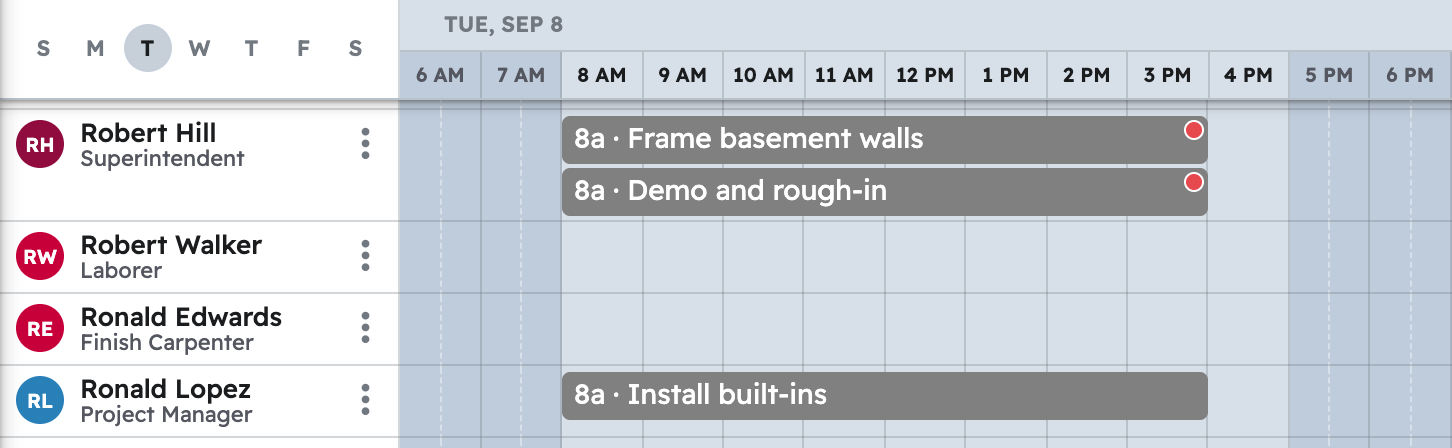
Your AI confirms the dates and people, then each task shows on "Schedule" for everyone assigned, plus "Task list", "Timeline" and "Gantt".
Note: Time tracking, the time clock and daily logs are not available to your AI yet; hours are still recorded in Projul. See Which Projul features are not available to my AI yet?
Questions? Let's Chat.
support@projul.com
(844) 776-5853