![Projul Logo 345PX wide.png]](https://knowledge.projul.com/hs-fs/hubfs/Projul%20Logo%20345PX%20wide.png?height=40&name=Projul%20Logo%20345PX%20wide.png)
Tell your AI a schedule template, the client, the job name and a start date, and it creates the project in Projul with the template's tasks already scheduled.
Say this
Create a project in Projul for [Sam Rivera] called [Rivera Deck Rebuild] at [418 W Tabernacle St, St. George, UT 84770] from my [Composite Deck] schedule template, starting [October 6]. Mark it sold.
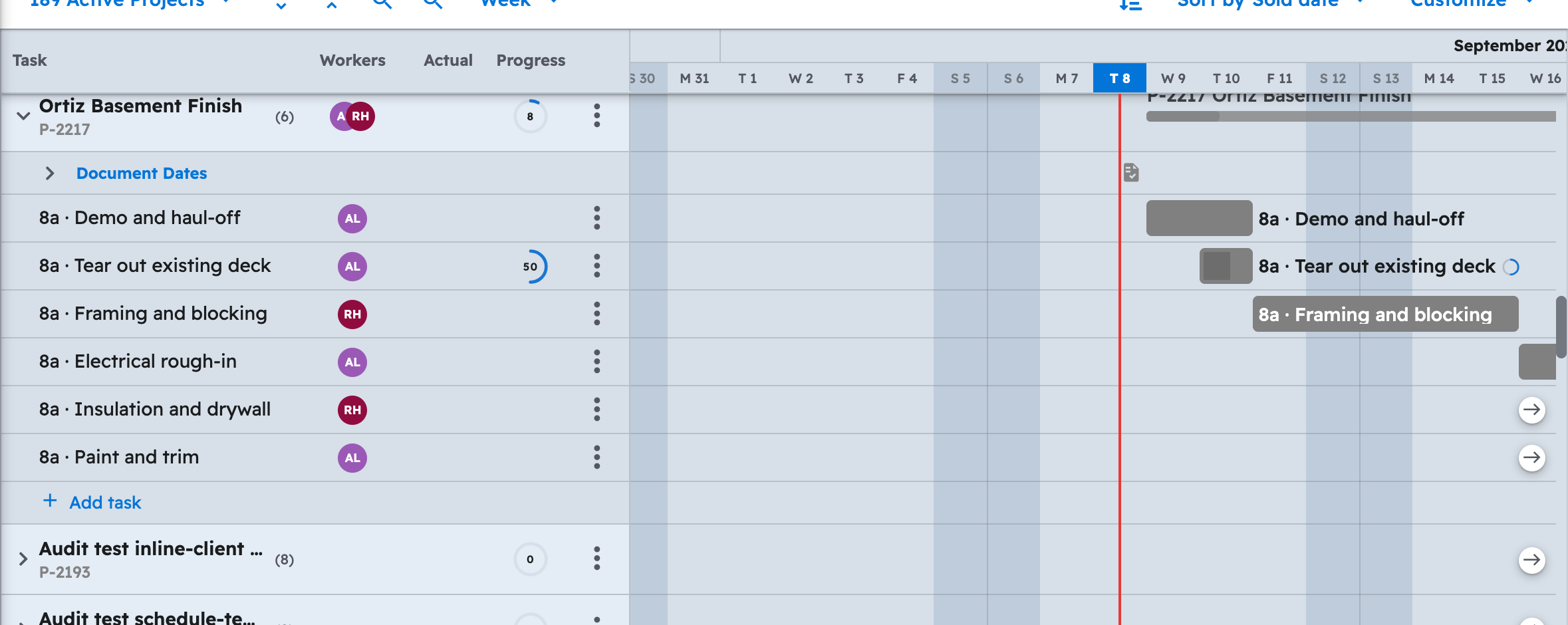
Create a lead in Projul called [Ortiz Basement Finish] for [Maria Ortiz] from my [Basement Finish] schedule template, starting [November 3], and keep the template's crews on the tasks.
What happens
Your AI asks you to approve the action and confirms the project number. In Projul, the project appears under "Projects" or "Lead pipeline", with its tasks on the "Gantt" and "Timeline" views starting on the date you gave.
Note: The job-site address you give in the same request is not kept when you use a schedule template. Ask your AI to set the address after the project is created.
Questions? Let's Chat.
support@projul.com
(844) 776-5853