![Projul Logo 345PX wide.png]](https://knowledge.projul.com/hs-fs/hubfs/Projul%20Logo%20345PX%20wide.png?height=40&name=Projul%20Logo%20345PX%20wide.png)
Tell your AI the client and what to change; it updates their name, phone, email, address, or other contact details in Projul.
Say this
Update [Sam Rivera] in Projul. His mobile is now [(435) 555-0187] and his email is [sam.rivera@example.com].
Name the client clearly so your AI finds the right one. See How does my AI find a client?
What happens
Your AI asks you to approve the change, then confirms what it changed. In Projul, click "People", then "Clients", click the arrow next to the client's name, then "Edit client info" to see the update.
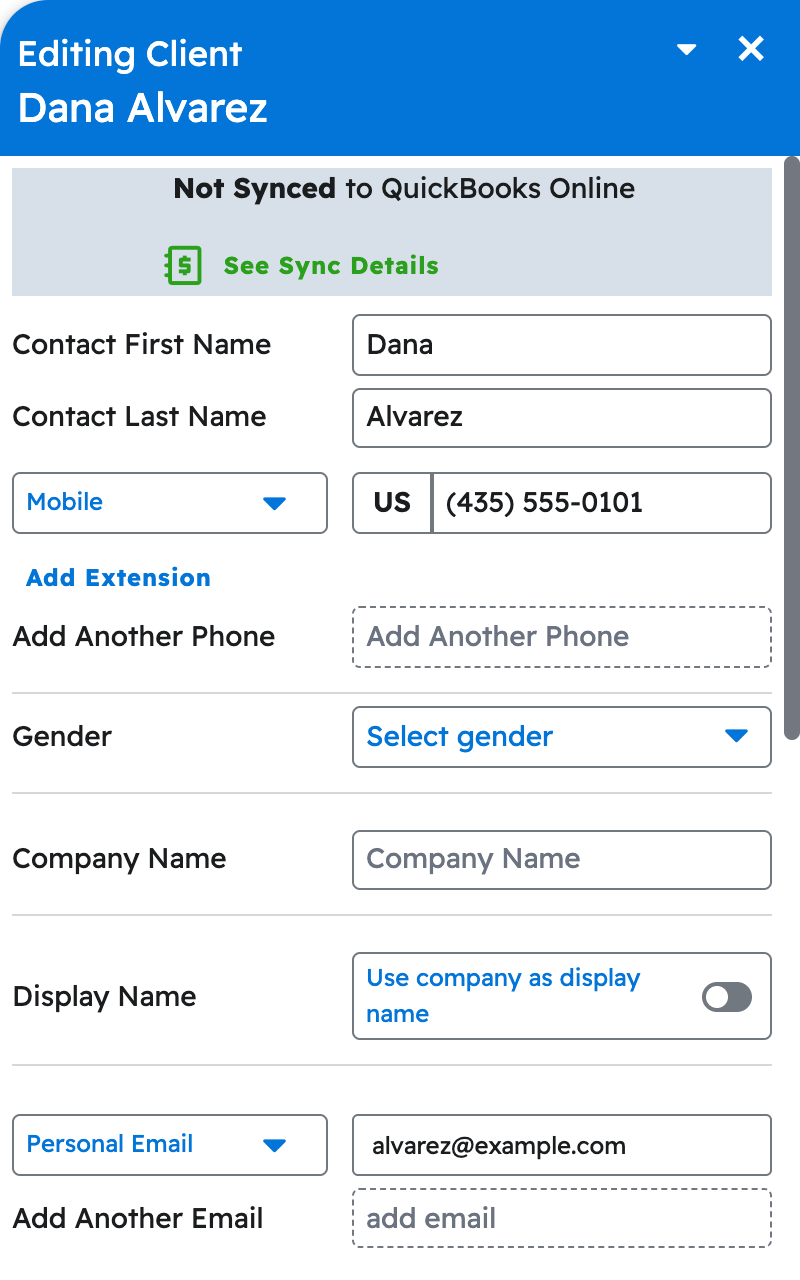
Note: Phone numbers, emails, and other multi-value fields are replaced as a whole list, so if you're only adding one, tell your AI to keep the others too.
Questions? Let's Chat.
support@projul.com
(844) 776-5853