![Projul Logo 345PX wide.png]](https://knowledge.projul.com/hs-fs/hubfs/Projul%20Logo%20345PX%20wide.png?height=40&name=Projul%20Logo%20345PX%20wide.png)
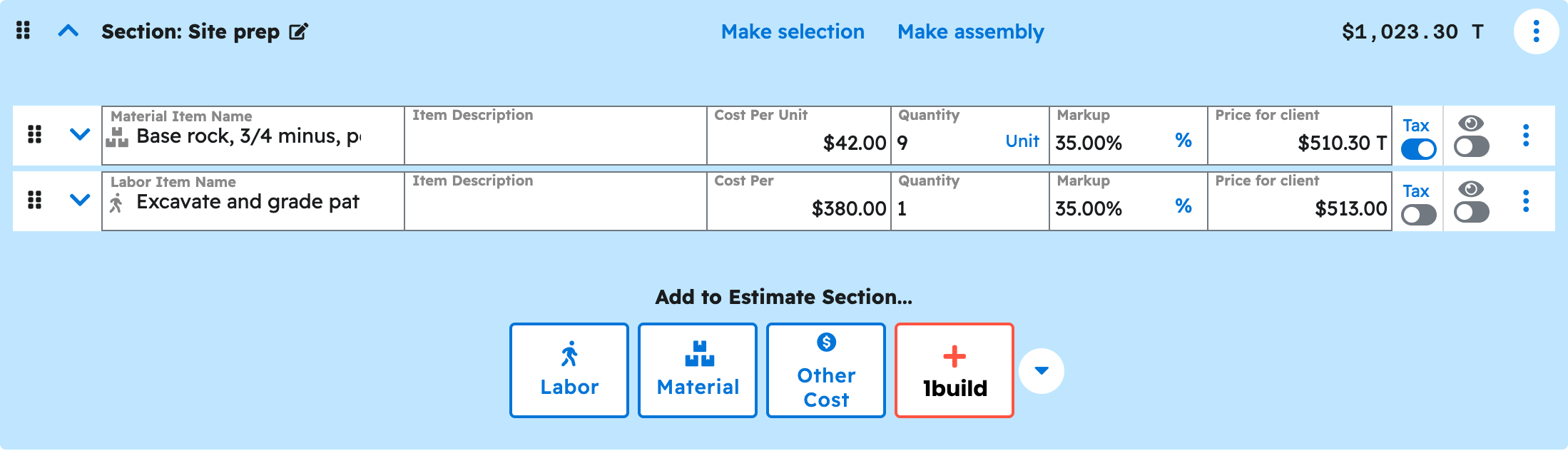
Your AI can set up client selections, assemblies and display-only sections in an estimate, the same as the editor.
Say this
On the [Thompson Deck Rebuild] estimate in Projul, make the [Railings] section a selection where the client must choose one: [aluminum railing at $1,995], [cable railing at $2,856], or [composite railing at $2,310]. Start with aluminum selected.
On the [Thompson Deck Rebuild] estimate in Projul, show the line items and quantities in every section, and hide the lines in [Demolition and disposal] so only that section's name and total show.
What happens
Your AI asks you to approve the change. The client picks between options on their estimate link, and only the selected ones print. Your AI can also set up assemblies (a quantity and unit shown on a section) and display-only sections, which deduct their value instead of adding it, the way change orders show removed work. Check the result under "Estimates" in Projul.
Note: Selections and assemblies are paid features; check Settings, then "Estimates", before asking your AI to set one up.
Questions? Let's Chat.
support@projul.com
(844) 776-5853