![Projul Logo 345PX wide.png]](https://knowledge.projul.com/hs-fs/hubfs/Projul%20Logo%20345PX%20wide.png?height=40&name=Projul%20Logo%20345PX%20wide.png)
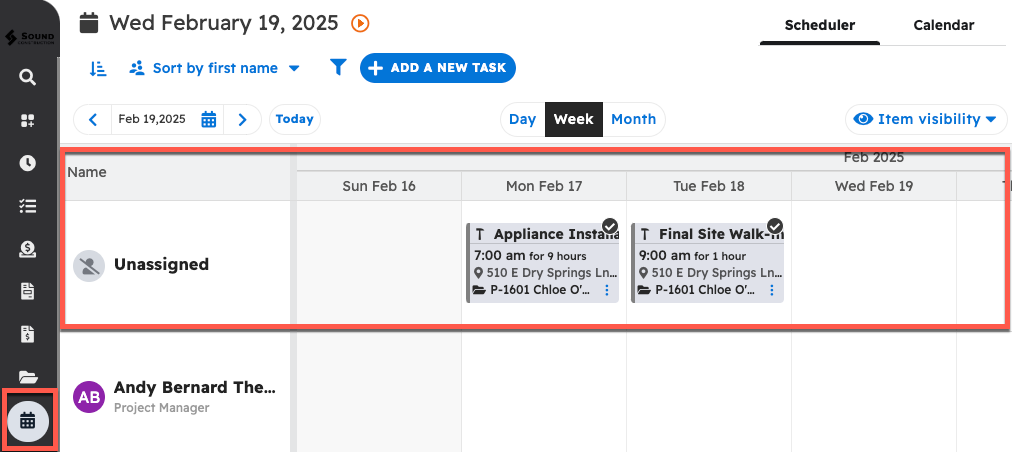
When a scheduled task has not been assigned to an employee, it will be located in the unassigned user row of the Scheduler.
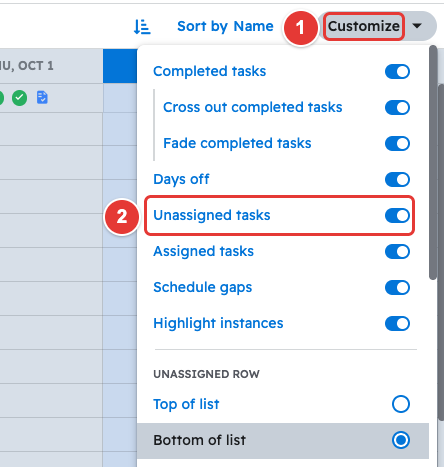
The "unassigned user" is pinned to the top of the Schedule page by default. To move it to the bottom, open "Customize" and under "Unassigned Row" choose "Bottom of list".
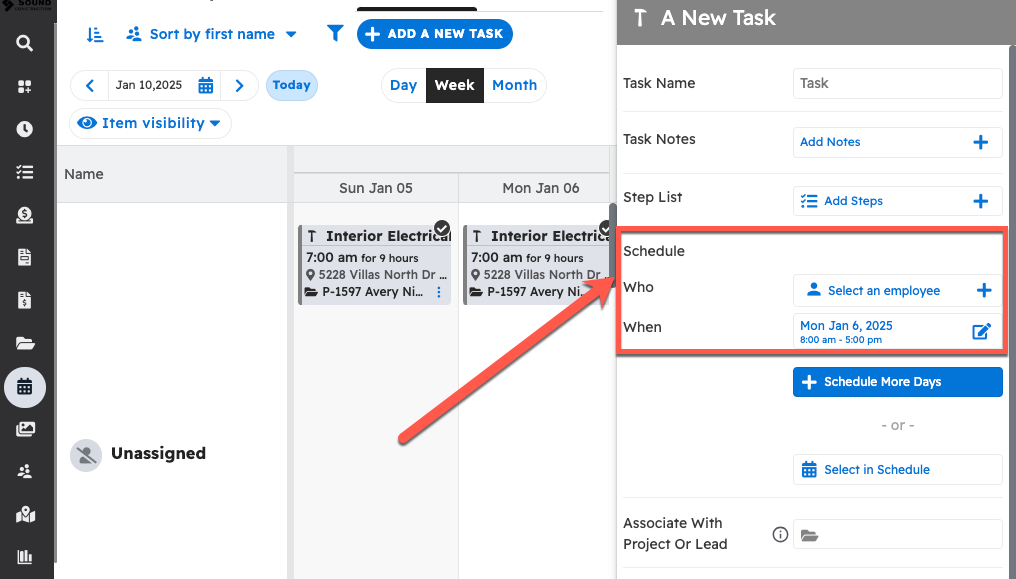
To assign an unassigned task, you can edit the task directly by selecting an employee.
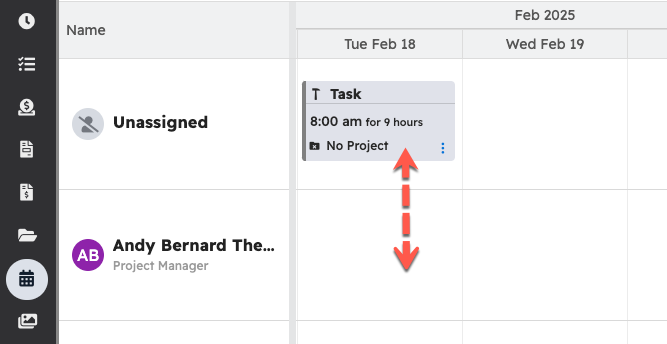
Alternatively, you can drag the unassigned task onto the schedule of an employee or contractor to assign the task to them.
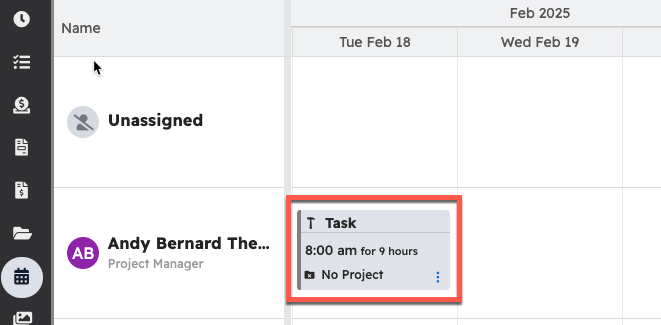
Once confirmed, the task will be moved to their schedule.
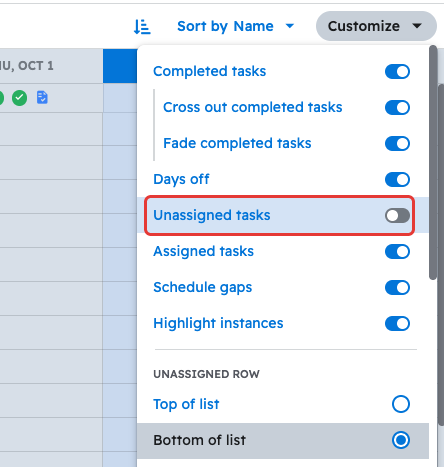
If you would like, you can turn this off by selecting the "Customize" button at the top and toggling "Unassigned tasks" off.
With that option turned off, the unassigned user will no longer appear at the top of the Schedule page.
Questions? Let's Chat.
support@projul.com
(844) 776-5853