![Projul Logo 345PX wide.png]](https://knowledge.projul.com/hs-fs/hubfs/Projul%20Logo%20345PX%20wide.png?height=40&name=Projul%20Logo%20345PX%20wide.png)
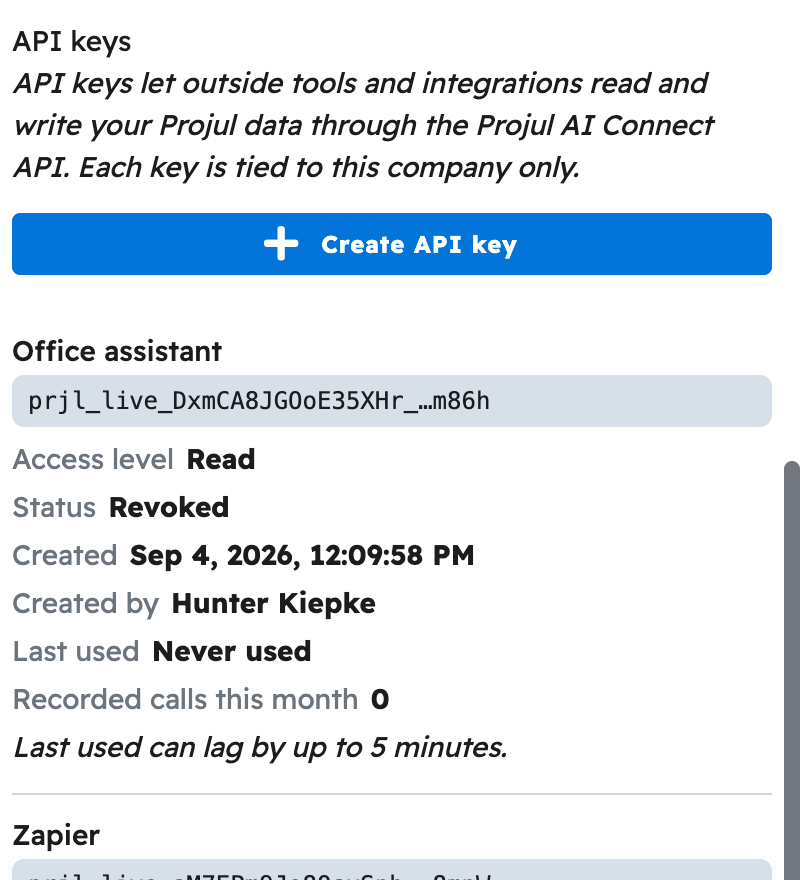
Projul AI Connect lets an AI assistant work inside your Projul account, turned on from "Settings" by creating an API key under "Projul AI Connect."
Projul AI Connect is available on the Pro plan. Every Projul account also includes a set number of free calls to try it. The free calls do not reset; once they are used up, add Projul AI Connect to your plan to keep using it.
An API key is a long password your AI uses to sign in on your behalf. Ask it to add a lead, build an estimate, or schedule a crew, the way you would ask an office manager.
Which AI tools work
Chat tools such as ChatGPT, Claude and Gemini connect by signing in on a Projul page with your key. Tools that run on your computer, such as Cursor, Windsurf, Gemini CLI and Claude Code, take the key in their settings instead. Zapier, Make and n8n use the same key for automations. See the "Connect your AI" section for the steps for each tool.
What your AI can do
- Clients: add, find, update, and archive.
- Leads and projects: add, move through your pipeline, mark sold or completed, set the job-site address and notes.
- Estimates: build from a template or from scratch, add sections, line items and change orders, apply tax, write the introduction and contract text.
- Tasks and schedule: create, calendar them, assign people and crews, add checklists, set up repeats.
- Messages: log a call, text, or site visit.
- Photos and files: find, read, and attach.
- Teams and templates: create a crew, and build reusable estimate, section, and line-item templates.
What your AI cannot do yet
- Invoices: cannot create, edit, or send them.
- Estimates: created as a Draft only; you publish and send it.
- Time clock, timesheets, payroll, daily logs, and purchase orders.
- Client messaging: it can log a message, but sending is done from Projul.
How access is controlled
You control access with the API key you create. Choose "Read" or "Read-Write", and revoke a key any time to disconnect every tool using it. A key only reaches your own company's data.
Note: Read and Read-Write keys are compared in Should I give my AI a Read key or a Read-Write key?
Where to go next
- See How do I get my Projul AI Connect API key?
- Connect your AI from the "Connect your AI" section.
Questions? Let's Chat.
support@projul.com
(844) 776-5853