![Projul Logo 345PX wide.png]](https://knowledge.projul.com/hs-fs/hubfs/Projul%20Logo%20345PX%20wide.png?height=40&name=Projul%20Logo%20345PX%20wide.png)
Ask your AI to build an estimate template, a section template, or a cost-item library entry, and it creates it in Projul.
Say this
Create an estimate template in Projul called [Bathroom Remodel] with sections for [demolition, plumbing rough-in, electrical, tile and waterproofing, fixtures and finish]. Use my usual labor rate of [$55]/hr plus [40]% and materials at cost plus [25]%, and put in typical quantities for a [5 by 9 bathroom].
Add [Finish carpentry labor] to my cost-item library in Projul: [$58] per hour, [40]% markup, labor.
What happens
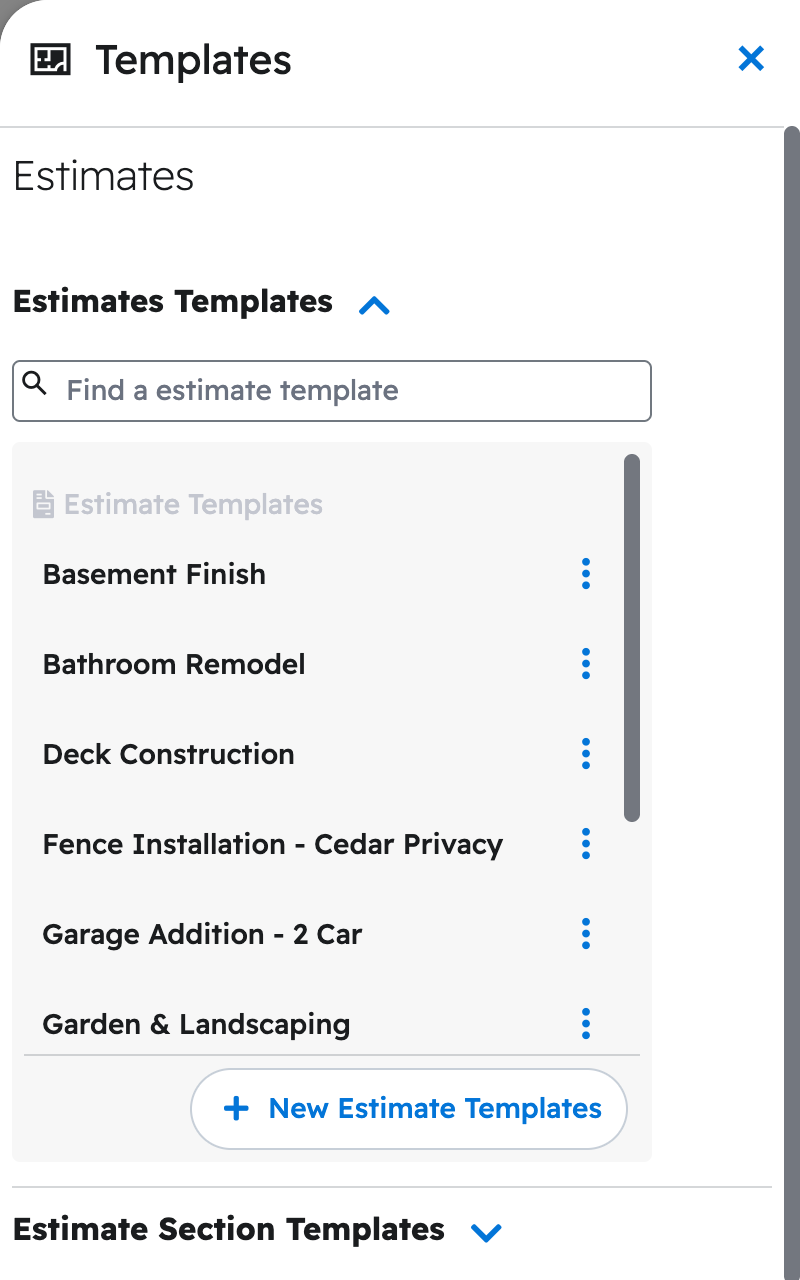
Your AI asks you to approve, then confirms what it built. Name a template when you want an estimate to use it, since your default template is not applied on its own. Find templates by clicking your initials, then "Templates"; library entries are under "Manage Cost Templates" there or on the "Estimates" page. See How do I have my AI create an estimate from one of my templates?
Note: Changing a library entry only changes future estimates; estimates already built keep the price they were built with.
Questions? Let's Chat.
support@projul.com
(844) 776-5853