![Projul Logo 345PX wide.png]](https://knowledge.projul.com/hs-fs/hubfs/Projul%20Logo%20345PX%20wide.png?height=40&name=Projul%20Logo%20345PX%20wide.png)
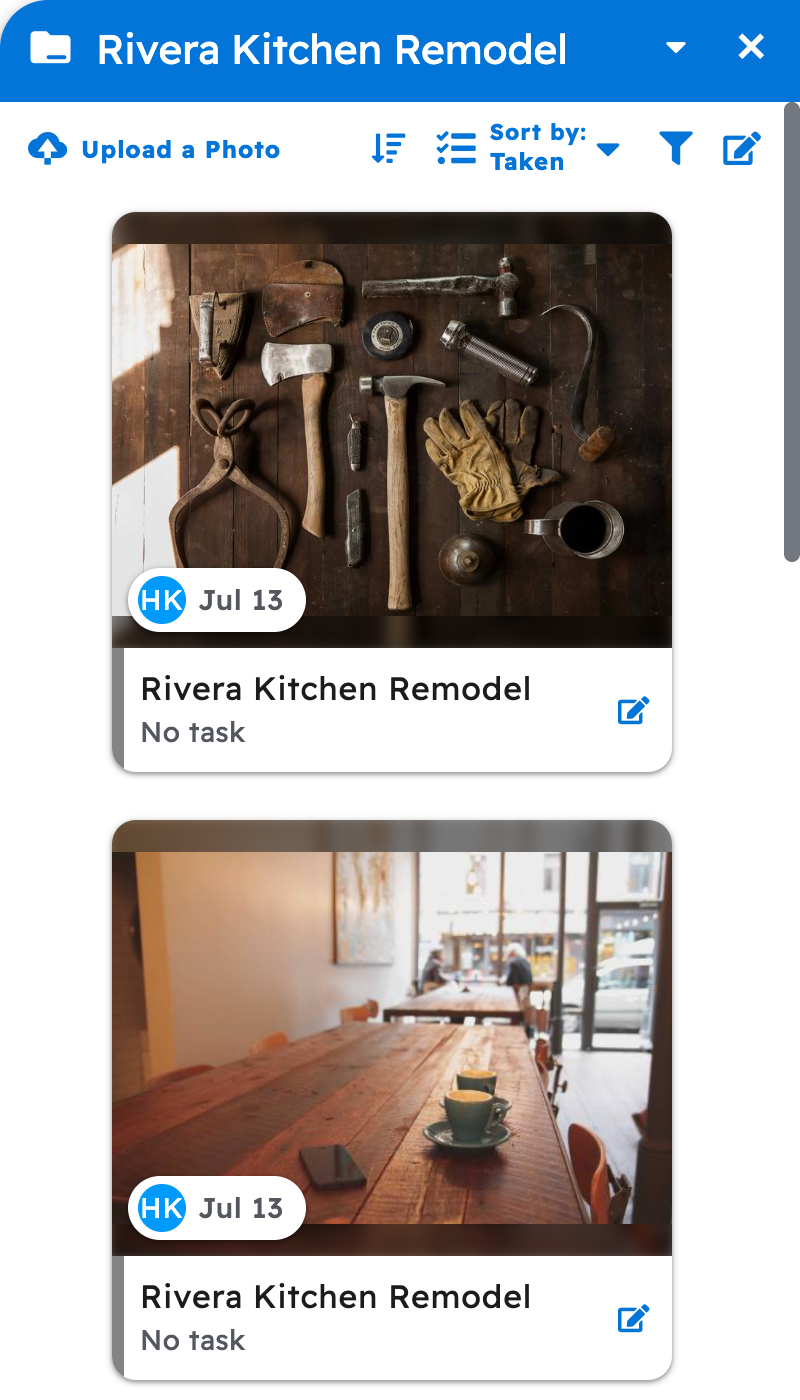
Ask your AI for a file and it finds it in the project's "Photos & files" and hands you a private download link from Projul.
Say this
What photos are on [Thompson Deck Rebuild] in Projul?
Get me a download link for the [thompson-plans] file on [Thompson Deck Rebuild] in Projul.
What happens
Your AI lists the files it found by name and gives you the download link in its reply. A tool that runs on your computer can also save the file straight to a folder. The same files sit under "Photos & files" on the project in Projul.
Note: The link is valid for about 15 minutes; if it has expired, ask your AI for a fresh one.
See How do I attach files to a task or an estimate with my AI? and How do I have my AI upload a job-site photo or document?
Questions? Let's Chat.
support@projul.com
(844) 776-5853