![Projul Logo 345PX wide.png]](https://knowledge.projul.com/hs-fs/hubfs/Projul%20Logo%20345PX%20wide.png?height=40&name=Projul%20Logo%20345PX%20wide.png)
Name the people, or a team, and your AI puts them on the task in Projul.
Say this
Put [Grace Oakes] and [Priya Hutton] on the [Tear out existing deck] task in Projul.
Assign the [Framing crew] team to the [Framing] task on [Thompson Deck Rebuild] in Projul.
What happens
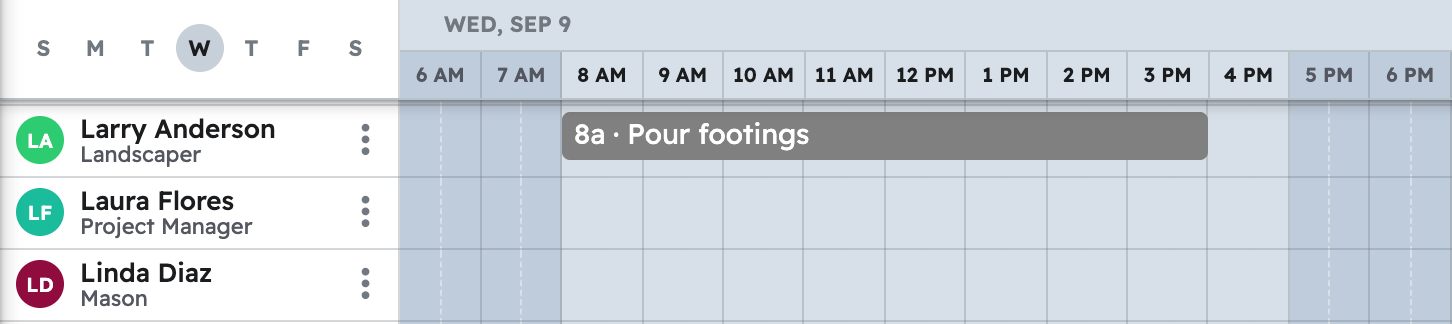
Your AI asks you to approve, then confirms who is on the task. A team puts everyone on it right now onto the task; later changes to the team do not touch it. Say which day if the task has more than one window. In Projul, the task shows on each person's row in "Schedule". See How does my AI use my teams?
Note: Only active employees and subcontractors can be assigned; someone archived in Projul cannot be put on a task.
Questions? Let's Chat.
support@projul.com
(844) 776-5853