![Projul Logo 345PX wide.png]](https://knowledge.projul.com/hs-fs/hubfs/Projul%20Logo%20345PX%20wide.png?height=40&name=Projul%20Logo%20345PX%20wide.png)
A team in Projul is a worker group under "People" that you can put on a task all at once. Your AI can create, rename, edit, list and delete teams with a Read-Write key.
Say this
Create a team in Projul called [Framing crew] with [Grace Oakes], [Priya Hutton] and [Tina Abbott].
What happens
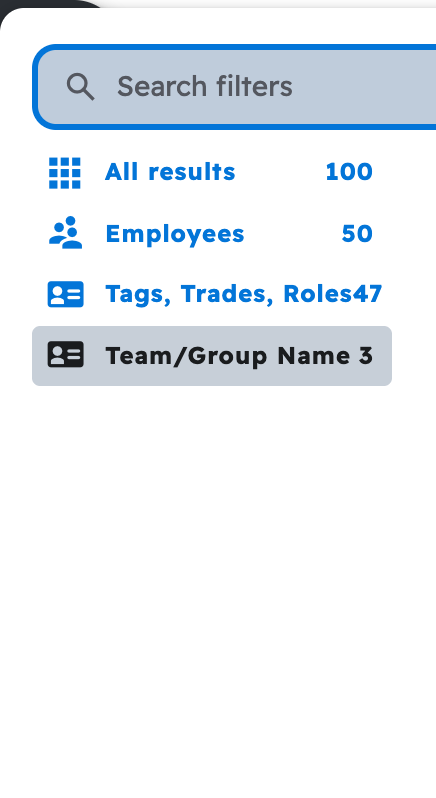
Your AI asks you to approve, then confirms the team. To add or remove someone, ask your AI to send the new roster; a rename doesn't touch it. To put a team on a task, name the team and the task. Teams show under "Team/Group Name" on "People," "Projects" and "Task list."
Note: A team with nobody on it can't be put on a task.
See How do I have my AI assign a crew (people and teams)?
Questions? Let's Chat.
support@projul.com
(844) 776-5853