![Projul Logo 345PX wide.png]](https://knowledge.projul.com/hs-fs/hubfs/Projul%20Logo%20345PX%20wide.png?height=40&name=Projul%20Logo%20345PX%20wide.png)
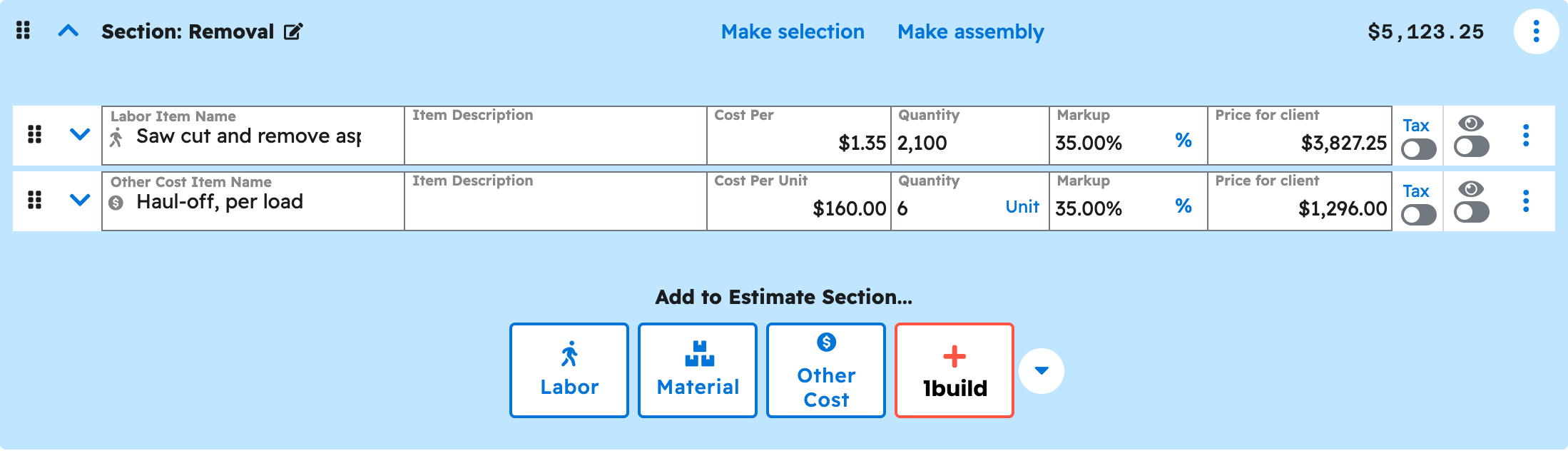
Describe the job phase by phase and your AI builds the priced estimate in Projul, landing in "Estimates" as a Draft.
Say this
Build an estimate in Projul for [Ridgeline Plaza Lot Repave]. Five sections: mobilization and traffic control, milling and removal, base repair and grading, asphalt paving, and striping and markings. [Mill 2 inch asphalt surface, 4,200 SY at $1.85 plus 20%], [3/4 inch aggregate base course, 210 tons at $28 plus 20%], [hot mix surface course, 465 tons at $96 plus 18%], [restripe standard stalls, 148 stalls at $9.50 plus 25%]. Apply our [Utah] sales tax.
Add a change order the same way.
Add a change order to the [Ridgeline Plaza Lot Repave] estimate in Projul called [Additional full-depth repair]. One section: [undercut and remove failed base, 620 SY at $6.75 plus 20%], [import and compact 3/4 inch road base, 260 tons at $28 plus 20%], [additional binder course, 74 tons at $92 plus 18%]. Apply our [Utah] tax.
What happens
Your AI asks you to approve, then reports the estimate number and total. Click "Estimates" to see it at the top as a Draft.
Note: Your AI leaves the estimate as a Draft. Reviewing, publishing and sending happen in Projul. See Can my AI publish or send an estimate?
Questions? Let's Chat.
support@projul.com
(844) 776-5853