![Projul Logo 345PX wide.png]](https://knowledge.projul.com/hs-fs/hubfs/Projul%20Logo%20345PX%20wide.png?height=40&name=Projul%20Logo%20345PX%20wide.png)
Tell your AI each phase of the job, how long it takes, and who is on it, and it creates the tasks on the "Schedule."
Say this
Build the schedule for [Lot 14 Foundation] in Projul starting [Monday May 4]. Layout and stakes is [half a day] with [Grace Oakes]. Excavate footing trench is [2 days] with [Grace Oakes] and [Tina Abbott]. Set footing forms is [2 days] with the form crew. Rebar is [1 day] with [Priya Hutton]. Footing inspection is [the morning of May 11]. Footing pour is [May 12] from [6 am to 2 pm]. Skip weekends, work days [6:30 to 3].
Rain, frost or a delayed inspector move a schedule: name the task and how far to shift it, and your AI moves what follows too.
What happens
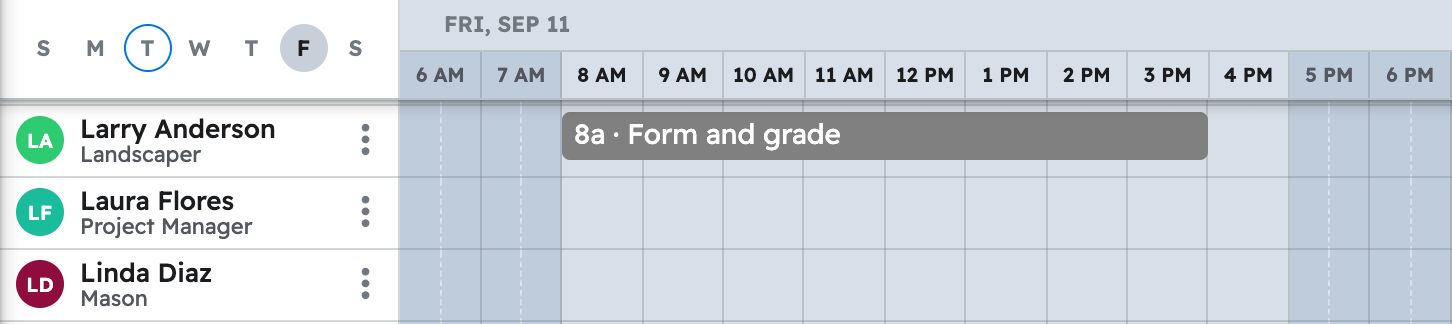
Your AI creates the tasks and places them on the "Schedule" for the people or crew named.
Note: Naming a crew assigns whoever is on it now; a later roster change won't change a job already scheduled.
Prompts in one place: Copy-paste prompts: concrete contractors
Questions? Let's Chat.
support@projul.com
(844) 776-5853