![Projul Logo 345PX wide.png]](https://knowledge.projul.com/hs-fs/hubfs/Projul%20Logo%20345PX%20wide.png?height=40&name=Projul%20Logo%20345PX%20wide.png)
Tell your AI the phases, the dates and who is on each one, and it lays out the job's schedule in Projul.
Say this
Start a new project in Projul called [Nakamura Rear Addition] for [Sara Nakamura] from my [Addition build] schedule template, beginning [March 2], and bring the crews along.
Plan review on [Nakamura Rear Addition] in Projul came back [three weeks late]. Push every task from [demolition] onward back by [three weeks] and tell me the new dates.
For a one-of-a-kind job, list the phases in order and let your AI place them. Name a team and everyone on it goes on the task; a task can hold more than one date range so the crew can change mid-phase. See How do I have my AI build a whole job schedule at once?
What happens
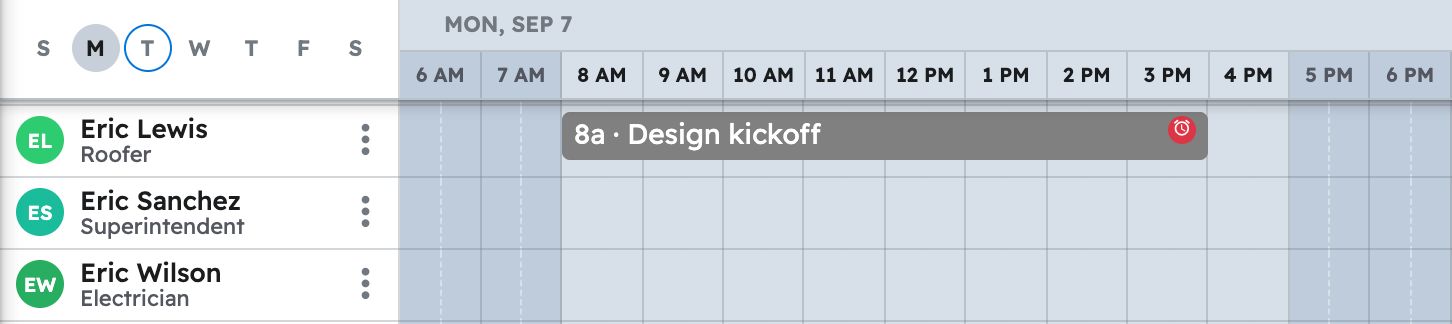
Your AI confirms dates and people first, then places the tasks. Click "Schedule" in the left menu to see them; they also show under "Task list", "Timeline" and "Gantt".
Note: Time tracking, daily logs and purchase orders aren't available to your AI yet. See Which Projul features are not available to my AI yet?
Questions? Let's Chat.
support@projul.com
(844) 776-5853