![Projul Logo 345PX wide.png]](https://knowledge.projul.com/hs-fs/hubfs/Projul%20Logo%20345PX%20wide.png?height=40&name=Projul%20Logo%20345PX%20wide.png)
To upload a job-site photo or document, tell a tool that can send files from your computer which file and project; a browser-based chat assistant can't upload but can still find and attach files already there.
Say this
Upload [~/Desktop/framing-day-3.jpg] to the [Thompson Deck Rebuild] project in Projul and label it [Framing, day 3].
What happens
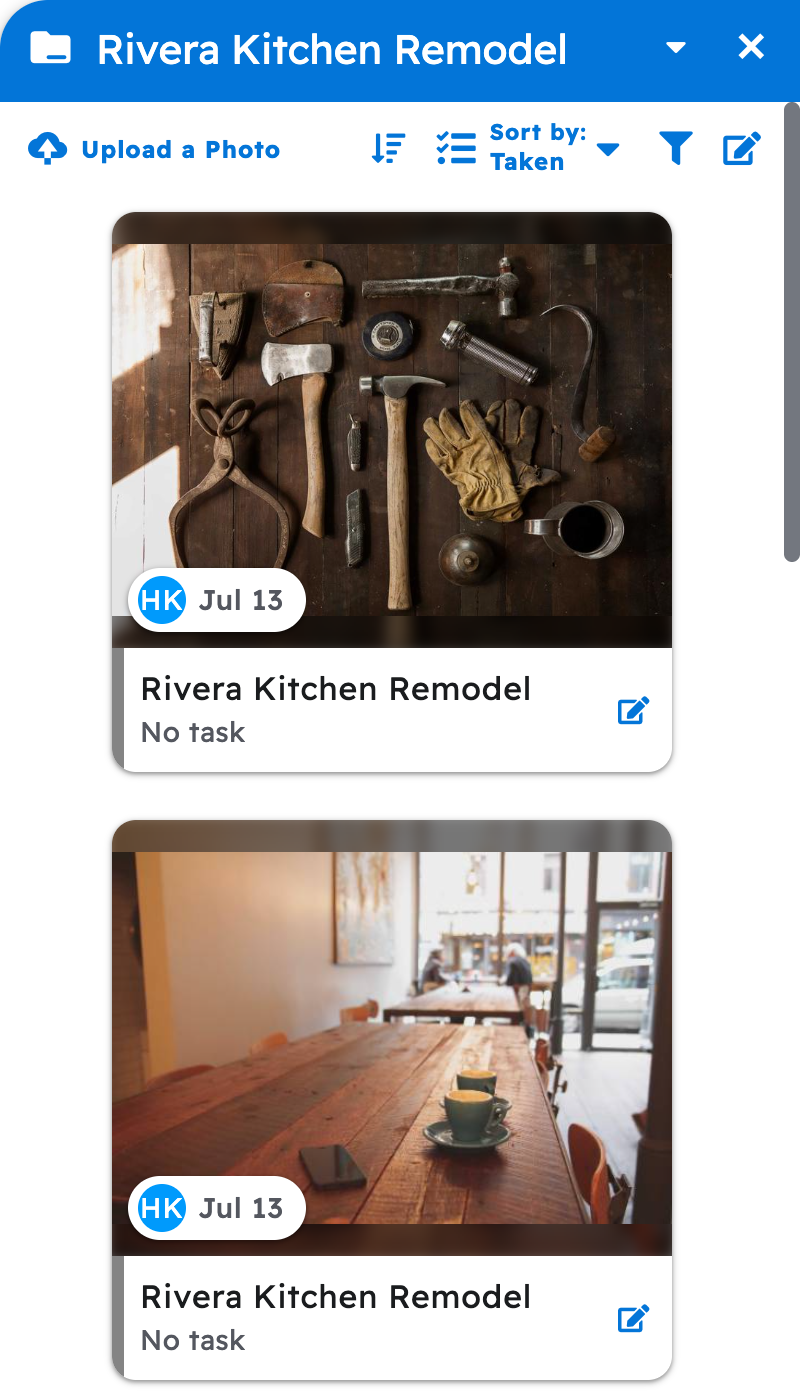
Your AI asks you to approve, then confirms the upload. In Projul, click "Photos & files," then "Gallery" for images or "Files" for documents, to see it.
Note: Uploading needs a Read-Write key. Projul accepts jpg, jpeg, png, gif, bmp, pdf, txt, csv, doc, docx, xls and xlsx files up to 50 MB (or your account's own limit); convert HEIC photos to jpg first.
If your AI can't upload, add the file in Projul yourself, then ask it to label or attach it. See How do I attach files to a task or an estimate with my AI?
Questions? Let's Chat.
support@projul.com
(844) 776-5853